
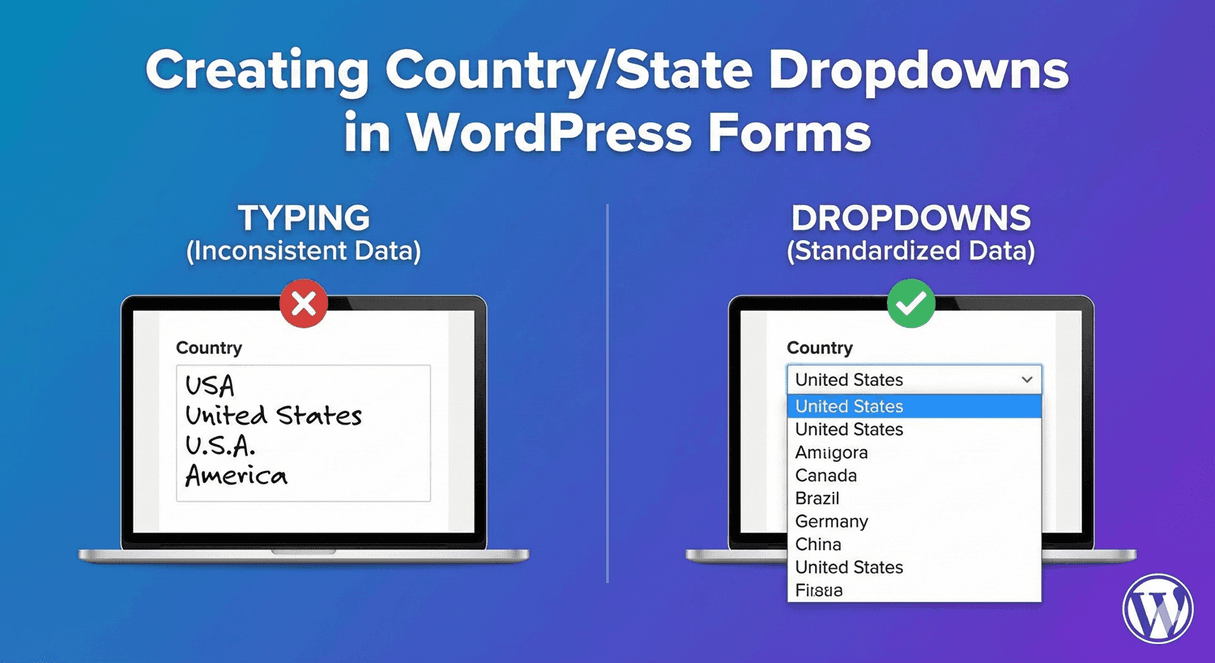
Creating Country/State Dropdowns in WordPress Forms
Ask people to type their country or state and you’ll get a mess: “USA,” “U.S.A.,” “United States,” “America,” all meaning the same thing but impossible to sort or match reliably. Location data is exactly where free text falls apart, and exactly where dropdowns shine. Here’s how to build clean country and state dropdowns in WordPress with Auto Form Builder’s Dropdown field.
Why dropdowns beat typed location data
Countries and states have fixed, known lists — which makes them perfect for dropdowns. When everyone selects from the same list, your data is instantly consistent: no spelling variations, no abbreviation guesswork, no “America” vs “USA” to reconcile. Consistent location data is essential for anything downstream — shipping zones, tax, regional segmentation, reporting. A dropdown enforces that consistency at the point of entry, so you never have to clean it up later.
Build a country dropdown
Add a Dropdown field and populate it with your list of countries. Because that list is long, enable the searchable option so people can type to filter — “net” jumps straight to the Netherlands — rather than scrolling through nearly two hundred options. Our guide to searchable dropdowns covers this; for a long country list, searchable is essential to keep the field usable, especially on mobile.
Build a state or region dropdown
For states, provinces, or regions, the same approach applies: a Dropdown field with the relevant list. For a single country, this is straightforward — a 50-state list for the US (our US state dropdown guide) or provinces for Canada (our Canadian province guide). Everyone picks from the same set, so your regional data stays uniform and sortable.
Make state depend on country
Here’s where it gets smart. If your form serves multiple countries, you don’t want to show every country’s regions at once. Use conditional logic so the relevant state or region dropdown appears based on the country selected — show US states when someone picks the US, Canadian provinces when they pick Canada. This dependent behavior keeps the form clean and relevant, showing each person only the regional options that apply to their country.
Pair with the address field
Country and state dropdowns often accompany a full address. The Address field has its own Country and State/Province/Region components, and you can pair it with dedicated dropdowns for maximum consistency. Our guide to customizing address components covers how to combine them, and international vs local address forms helps you decide how much to show.
Keep the data clean and usable
Because selections come from fixed lists, your country and state data is ready to use the moment it’s submitted — sortable, filterable, and reliable for any location-based logic. It also exports cleanly to CSV or JSON, so downstream tools get consistent values rather than a jumble of typed variations.
Build clean location dropdowns
- Use a searchable dropdown for the long country list.
- Use a dropdown for states, provinces, or regions.
- Make the state list depend on the country with conditional logic.
- Pair with the Address field where a full address is needed.
Country and state dropdowns are a small setup that eliminates a whole category of messy location data. Everyone picks from the same list, your data stays consistent, and it’s all free, no code required.
Ready to collect clean location data? Install Auto Form Builder free from WordPress.org.
FAQ
How do I add a country or state dropdown?
Use the Dropdown field with your list of countries or states. Enable the searchable option for long lists so people can type to find their choice.
Can the state list depend on the country?
You can use conditional logic to show a relevant state or region dropdown based on the country selected, keeping the form clean and relevant.