
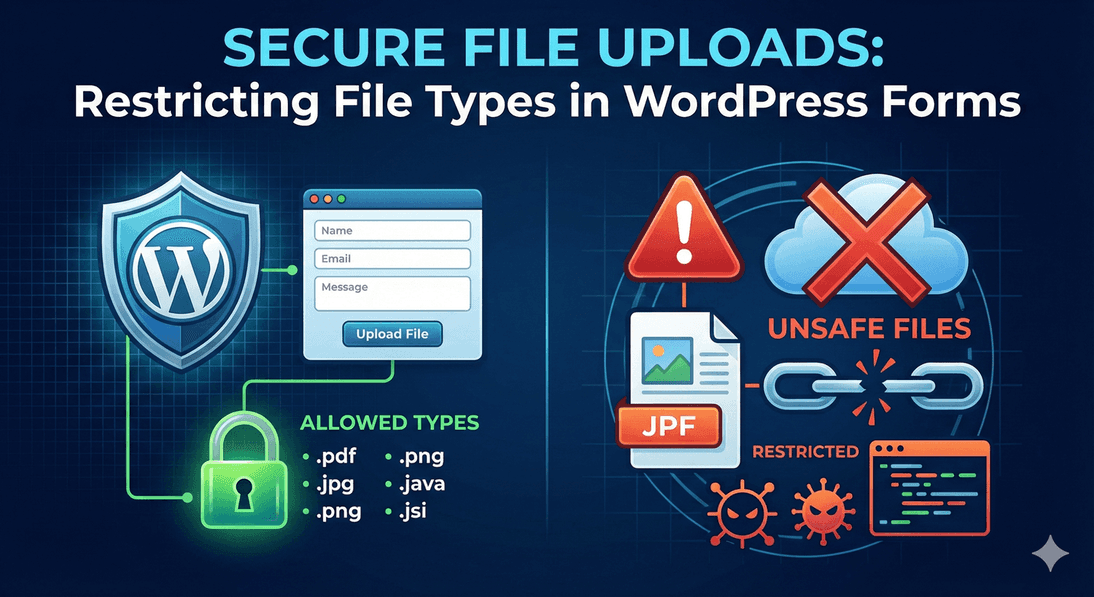
Secure File Uploads: Restricting File Types in WordPress Forms
A file upload field is one of the most useful things you can add to a form — and one of the riskiest if you leave it wide open. An unrestricted upload field invites the wrong file types, oversized files, and potentially unsafe content onto your site. The good news is that securing it is simple: decide exactly what you’ll accept, and let the plugin enforce it. Here’s how to lock down file uploads in Auto Form Builder.
Why restricting file types matters
An open upload field accepts anything, and “anything” is a problem. You might expect résumés and get executables; you might expect images and get enormous archives. Restricting the File Upload field to only the types you actually need does two things at once: it keeps your data clean by rejecting the wrong files, and it keeps your site safer by refusing file types you never asked for. It’s the single most important step in a secure upload setup.
Choose your allowed file types
Start by defining exactly what’s acceptable. You can restrict uploads by category — Images, Documents, Spreadsheets, Presentations, Archives, Audio, or Video — or get specific and list individual extensions like .pdf, .jpg, and .docx. If your form only needs a PDF résumé, allow only documents (or just .pdf). The narrower you make the list, the fewer surprises you’ll get. This is the same field-level control covered in our guide to adding file uploads, applied with security in mind.
Set a maximum file size
Type restrictions handle what; size limits handle how much. Set a Maximum File Size per file so a single oversized upload can’t cause problems or eat your storage. Match the limit to what you genuinely need — a few megabytes covers most documents and images. If you’re collecting several files at once, as in a multiple-upload setup, the per-file limit keeps each one in check.
Validation does the enforcing
Restrictions only help if they’re actually enforced, and they are: every upload is validated before it’s accepted. A file that doesn’t match your allowed types or exceeds your size limit is refused rather than quietly let through. That validation is what turns your settings from a suggestion into a real safeguard — the visitor is prompted to supply a valid file instead of your site accepting something it shouldn’t.
Add spam protection for public forms
If your upload form is public, it can attract automated abuse. Turning on spam protection — reCAPTCHA or Cloudflare Turnstile — stops bots from hammering the form and slipping junk uploads through. Combined with type and size limits, it keeps both the volume and the content of uploads under control.
Where secure uploads land
Every accepted file is stored with its submission in the submissions dashboard, attached to the right entry and viewable from the details. Because everything runs on your own site, your uploaded files stay under your control rather than passing through a third-party service.
A secure upload checklist
- Restrict allowed file types to only what you need — by category or specific extensions.
- Set a maximum file size per file.
- Rely on built-in validation to reject anything that doesn’t fit.
- Add spam protection on public forms.
Locking down a file upload field takes a minute and removes a real risk. Decide what you’ll accept, let validation enforce it, and your upload fields stay both useful and safe — for free.
Related reading: Creating a resume submission form in WordPress.
Ready to secure your upload forms? Install Auto Form Builder free from WordPress.org.
FAQ
How do I make file uploads secure?
Restrict the allowed file types to only what you need, set a maximum file size, and rely on the built-in validation that checks every upload before it's accepted.
Can I allow only specific file extensions?
Yes. Choose file types by category, or list specific extensions like .pdf, .jpg, .docx, so only those files are accepted.