
How to Accept Multiple File Uploads in WordPress Forms
Some requests naturally come with more than one file. A job applicant has a résumé and a cover letter, a designer has several reference images, a customer has multiple photos of a damaged product. Making each of those a separate field — or worse, a separate email — is clumsy. Auto Form Builder lets a single File Upload field accept several files at once. Here’s how to set it up.
Turn on multiple files
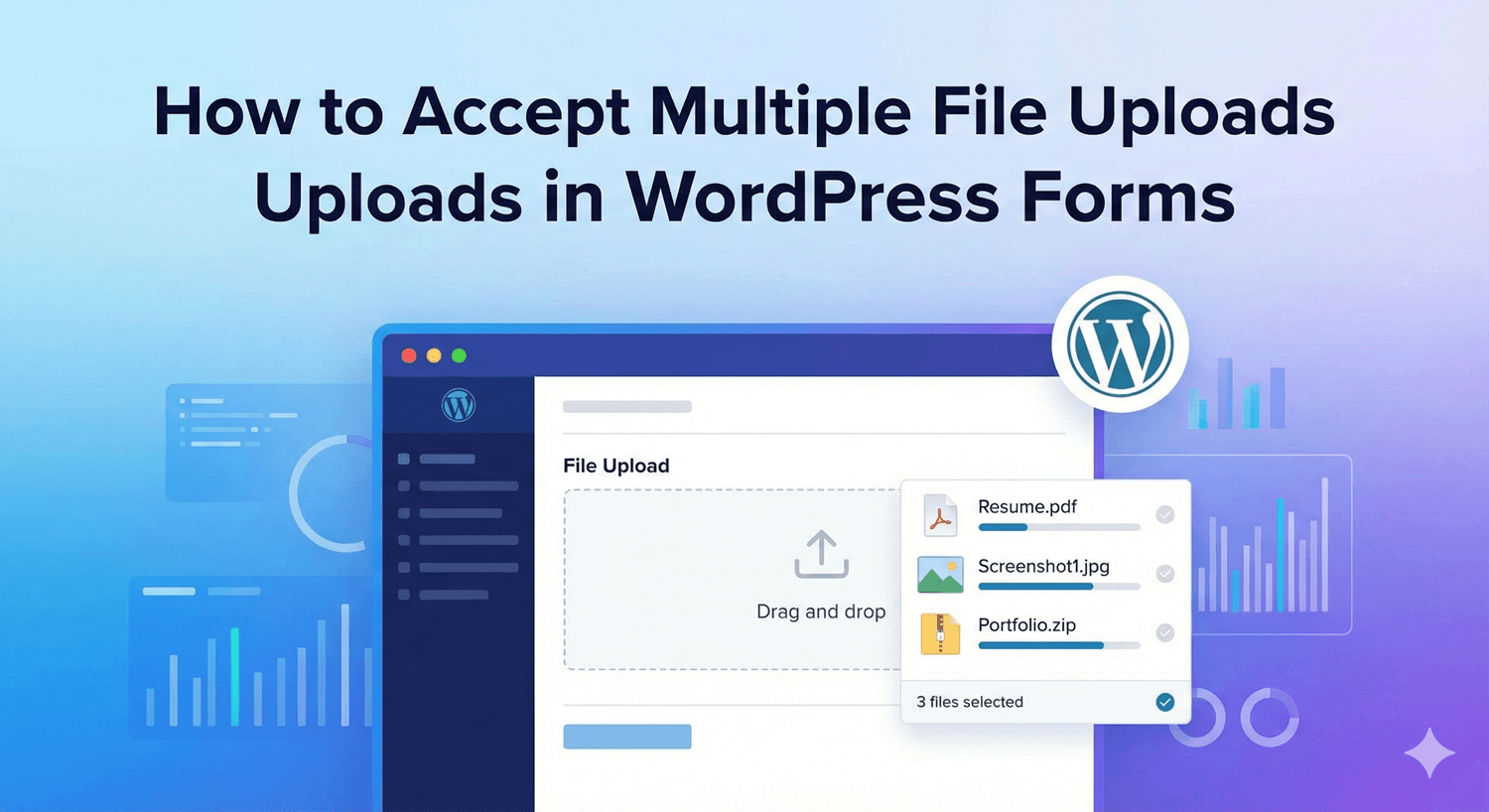
Add a File Upload field to your form and open its options. Enable Allow Multiple Files — described in the builder as letting users upload more than one file at a time. That’s the core change: instead of one file per field, the visitor can attach several in the same field, and they all arrive together with the submission.
Control what gets uploaded
Multiple uploads don’t mean losing control — the same rules apply to every file. You can:
- Set Allowed File Types by category (Images, Documents, Spreadsheets, Presentations, Archives, Audio, Video), or list specific extensions like .jpg, .pdf, .docx.
- Set a Maximum File Size in MB per file, so no single upload is oversized. Leaving it empty falls back to your server’s default.
Because these apply per file, a visitor uploading five files still has each one checked against your type and size rules.
Make it easy to use
A couple of options make multi-file uploads friendlier. Show File Previews displays thumbnails for images (and icons for other files), so people can see what they’ve attached before submitting — genuinely useful when someone’s uploading several images at once. You can also set the Upload Button Text to something clearer than the default, like “Add your files.”
Where multiple uploads shine
- Job applications — résumé, cover letter, and portfolio in one field.
- Support requests — several screenshots showing a problem from different angles.
- Creative and print jobs — multiple reference images or source files.
- Claims and documentation — a set of supporting documents submitted together.
Everything lands in one place
However many files someone uploads, they’re all validated, attached to that submission, and viewable in your submissions dashboard alongside the rest of their answers — no scattered emails, no guessing which file belongs to whom. If your form is public, turn on spam protection to keep automated junk uploads out.
One field, all the files
Accepting multiple files is a single setting that removes a lot of friction for both you and the people filling in your form. Turn on Allow Multiple Files, set your type and size rules, and everything a person needs to send arrives together, organized, and ready to use — free, no code.
Related reading: Creating a resume submission form in WordPress and building a photo gallery submission form.
Ready to collect files the easy way? Install Auto Form Builder free from WordPress.org.
FAQ
Can one field accept multiple files?
Yes. Turn on 'Allow Multiple Files' on the File Upload field and visitors can upload more than one file at a time in that single field.
Can I still limit file types and size with multiple uploads?
Yes. Allowed file types and the maximum file size apply the same way, so every file in a multi-upload still has to meet your rules.