
Features
WordPress Form Submission Management
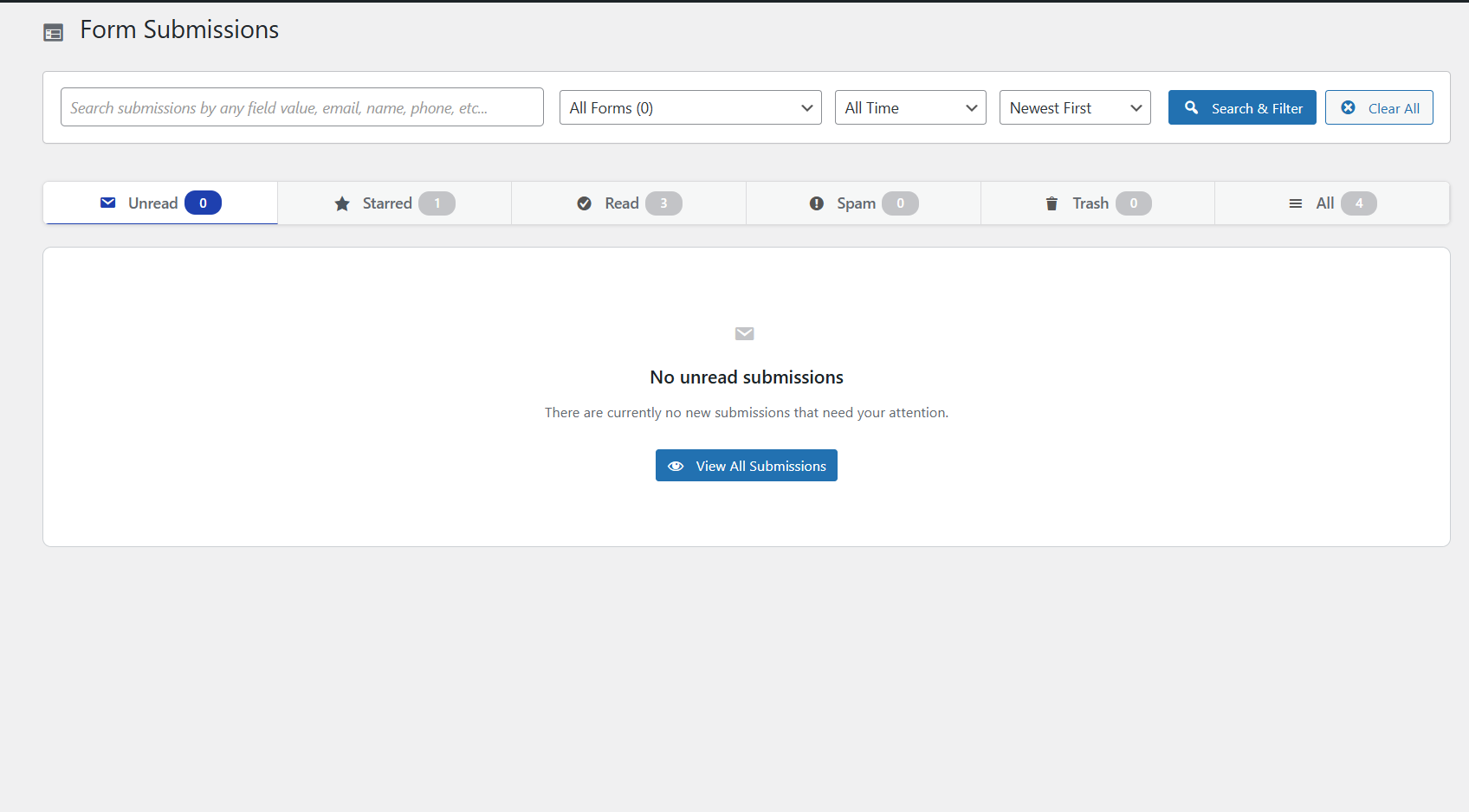
Every submission lands in a clean, inbox-style dashboard so you never lose a lead. Free in Auto Form Builder.
What you can do
Manage submissions in an inbox with Unread, Starred, Read, Spam and Trash folders — just like email.
Search by any field value to find a specific lead or order number in seconds.
Filter by form or date range to focus on the submissions that matter right now.
Sort entries and print them when you need a hard copy for your team or records.
Export submissions to CSV or JSON for reporting, CRM import or backup.
Capture partial (abandoned) entries too, so you can follow up on forms that were started but not finished.
Ask AI about your submissions — analyze the entries in your current view (up to 50) with a question
Bulk actions: mark read/unread, star, spam, trash, or delete many entries at once
How it works
- Every form you publish with Auto Form Builder sends submissions to the central dashboard automatically.
- Open the inbox to browse, star, mark as read or move entries to Spam or Trash.
- Use search and filters to narrow results by form, date or any field value.
- Export to CSV or JSON when you need data elsewhere, or review partial entries from abandoned forms.
Why it matters
Leads lost in email threads or spreadsheets cost you revenue. A single inbox with search, filters and export means your team responds faster, follows up on abandoned forms and never lets a submission slip through the cracks.
Related features
Related fields
FAQ
Can I export submissions?
Yes — CSV and JSON export are built in.
Are abandoned forms saved?
Yes — partial entries are captured and auto-clean after a period you set.