
How to Mark Form Submissions as Read or Unread
The simplest tool for staying on top of submissions is also one of the most useful: read and unread. Just like email, it lets you see at a glance which entries you’ve dealt with and which still need attention. Used well, it turns your submissions list into a live to-do list. Here’s how read/unread works in Auto Form Builder and how to make the most of it.
Unread means “needs attention”
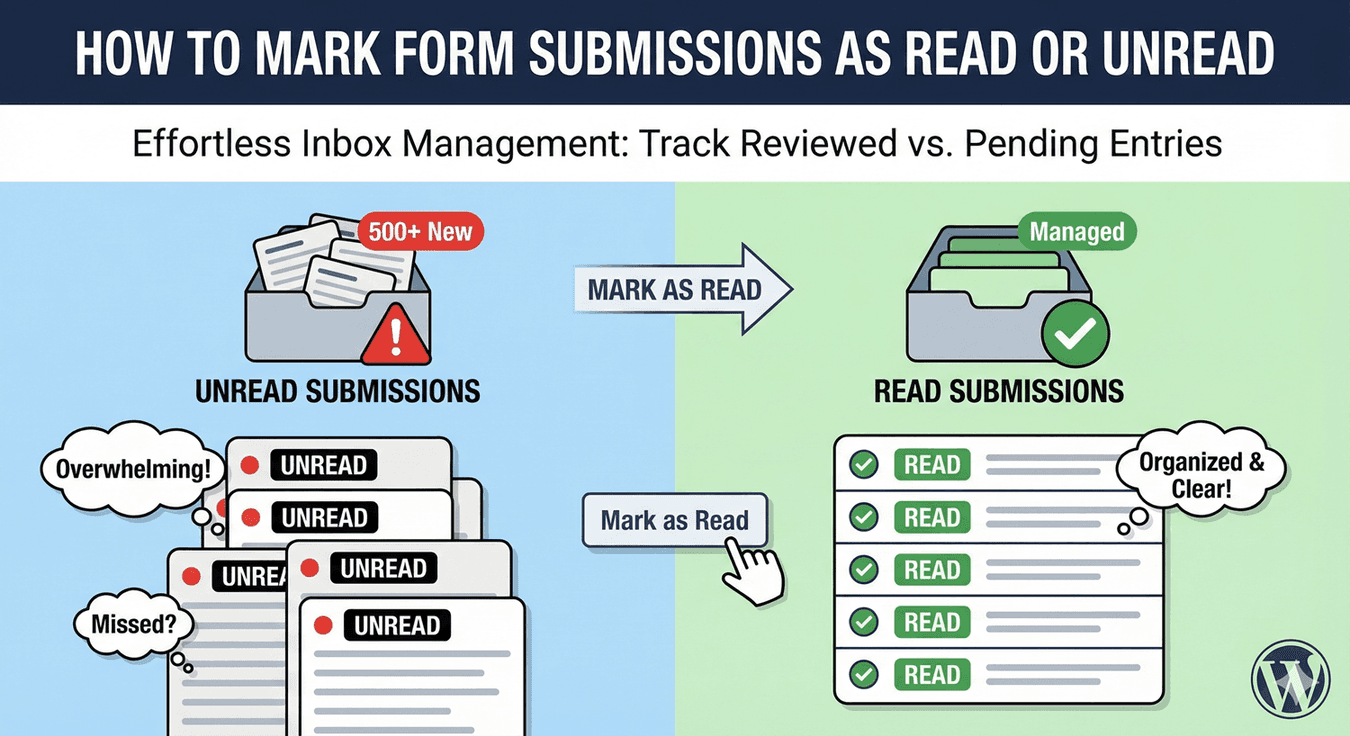
Every new submission arrives as unread. That’s your signal: these are entries you haven’t handled yet. The Unread tab in your submissions dashboard shows a count, so you always know how many submissions are waiting — a glance tells you whether you’re caught up or have a queue to work through.
Mark entries read as you handle them
As you work through submissions — replying, actioning, filing them — mark each one read. It moves out of your unread count and into the Read tab, so your unread list always reflects only what’s still outstanding. This simple discipline keeps a clear line between “done” and “to do,” which is exactly what stops submissions slipping through the cracks.
Mark read or unread in bulk
You don’t have to change entries one at a time. Select several with their checkboxes and apply Mark as Read or Mark as Unread to the whole set — part of the wider bulk actions toolkit. This is handy for clearing down a backlog (mark a batch read once you’ve processed them) or flagging a group to revisit (mark them unread so they resurface in your queue).
Use unread as a “come back to this” flag
Read/unread isn’t only about what you’ve literally read — it’s a status you control. If you open a submission but can’t deal with it yet, mark it unread again so it stays in your active queue. That turns unread into a lightweight “still needs me” flag, ensuring nothing you’ve glanced at but not finished gets forgotten.
Combine with stars and tags
Read/unread handles the basic “done or not” state; pair it with other tools for a fuller workflow. Star important entries so priorities stand out, and use tags to categorize by type. Together, read/unread, stars, and tags let you run your submissions like a proper system — see our guide to managing submissions like a pro for the full workflow.
A clean inbox, always current
- New submissions start as unread — your “to do” list.
- Mark entries read as you handle them.
- Use bulk actions to clear or flag many at once.
- Mark something unread again to keep it in your active queue.
Read/unread is the humble backbone of a tidy submissions workflow: it keeps a clear, always-current picture of what still needs you. It’s built in, takes no setup, and is free.
Ready to keep your submissions under control? Install Auto Form Builder free from WordPress.org.
FAQ
How do I mark a submission as read or unread?
Change its status from the entry, or select several and use the 'Mark as Read' or 'Mark as Unread' bulk action. New submissions arrive as unread by default.
Can I mark many submissions at once?
Yes. Select multiple entries with the checkboxes and apply 'Mark as Read' or 'Mark as Unread' to the whole set in one action.