
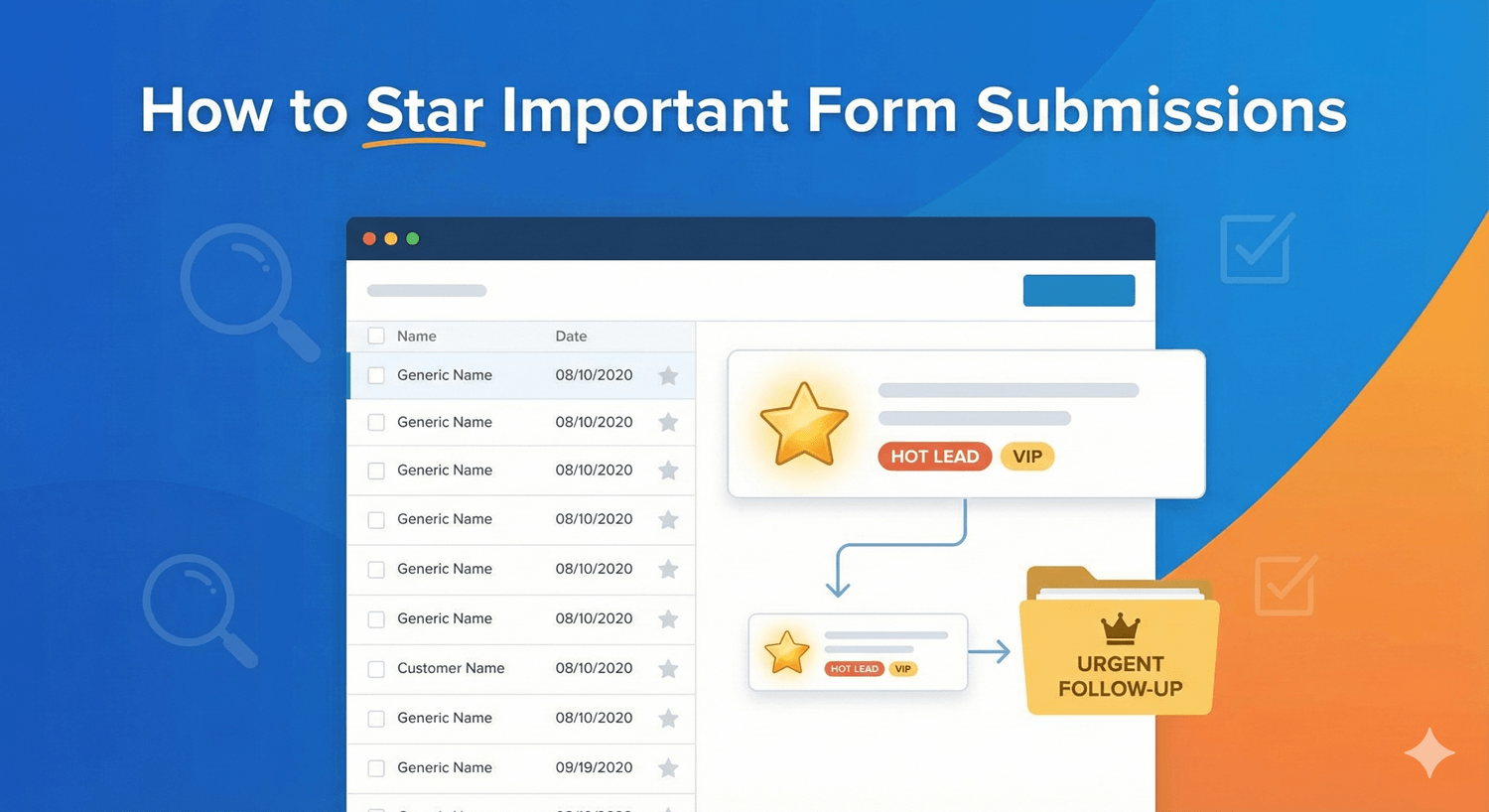
How to Star Important Form Submissions
In a busy stream of form submissions, the important ones can disappear into the crowd — a hot lead sits three pages down, a priority request gets buried under routine enquiries. Starring solves this. It’s a simple way to flag the entries that matter so you can always find them again in seconds. Here’s how to use it in Auto Form Builder.
Why star submissions
Not all submissions carry the same weight. A big sales enquiry, an urgent support request, a standout job applicant, a VIP customer — these deserve to stay at your fingertips, not get lost among the everyday entries. Starring gives you a lightweight way to mark “this one matters” without moving or changing the submission itself.
Star an entry
The quickest way is per-entry: click the star on a submission to flag it. It stays marked and, importantly, collects in a dedicated Starred tab in your submissions dashboard alongside Unread, Read, Spam, and Trash. That means your important entries live in one place you can jump to instantly, no searching required.
Star several at once
When you’re working through a batch — say, marking every qualified lead from a campaign — you don’t have to star them one by one. Select the entries with their checkboxes and choose Add to Starred from the bulk actions, then Apply. All of them are flagged in a single step. When priorities change, Remove from Starred (individually or in bulk) clears the flag just as easily.
Build a simple workflow around stars
Stars work best as part of a habit. A few ways people use them:
- Star hot leads as they come in, then work only the Starred tab for follow-ups.
- Star anything that needs a colleague’s attention before handing it over.
- Star entries you’re mid-conversation on, so you can pick them back up quickly.
- Clear the star once an entry is fully dealt with, keeping the tab as a live to-do list.
Used this way, the Starred tab becomes a focused shortlist of what actually needs you.
Combine with search and filters
Starring pairs naturally with the dashboard’s other tools. Filter to a specific form or date range, search by any field value to find the right entries, then star the ones that matter — or jump straight to the Starred tab to see everything you’ve flagged across all forms. Together, search, filters, and stars let you cut a large pile of submissions down to exactly what deserves your attention.
Never lose an important lead
Starring is a tiny feature that quietly prevents a real problem: important submissions slipping through the cracks. Flag what matters, keep it one click away in the Starred tab, and clear it when you’re done. It takes a second per entry and it’s free — a small habit that makes sure your best opportunities never get buried.
Ready to keep your priorities front and center? Install Auto Form Builder free from WordPress.org.
FAQ
How do I star a submission?
Click the star on an entry to flag it, or select several and use the 'Add to Starred' bulk action. Starred entries collect in their own tab for quick access.
Can I star several submissions at once?
Yes. Select multiple entries with the checkboxes and choose 'Add to Starred' from the bulk actions to flag them all in one step.