
Text Transformation: Auto-Uppercase, Lowercase, Title Case
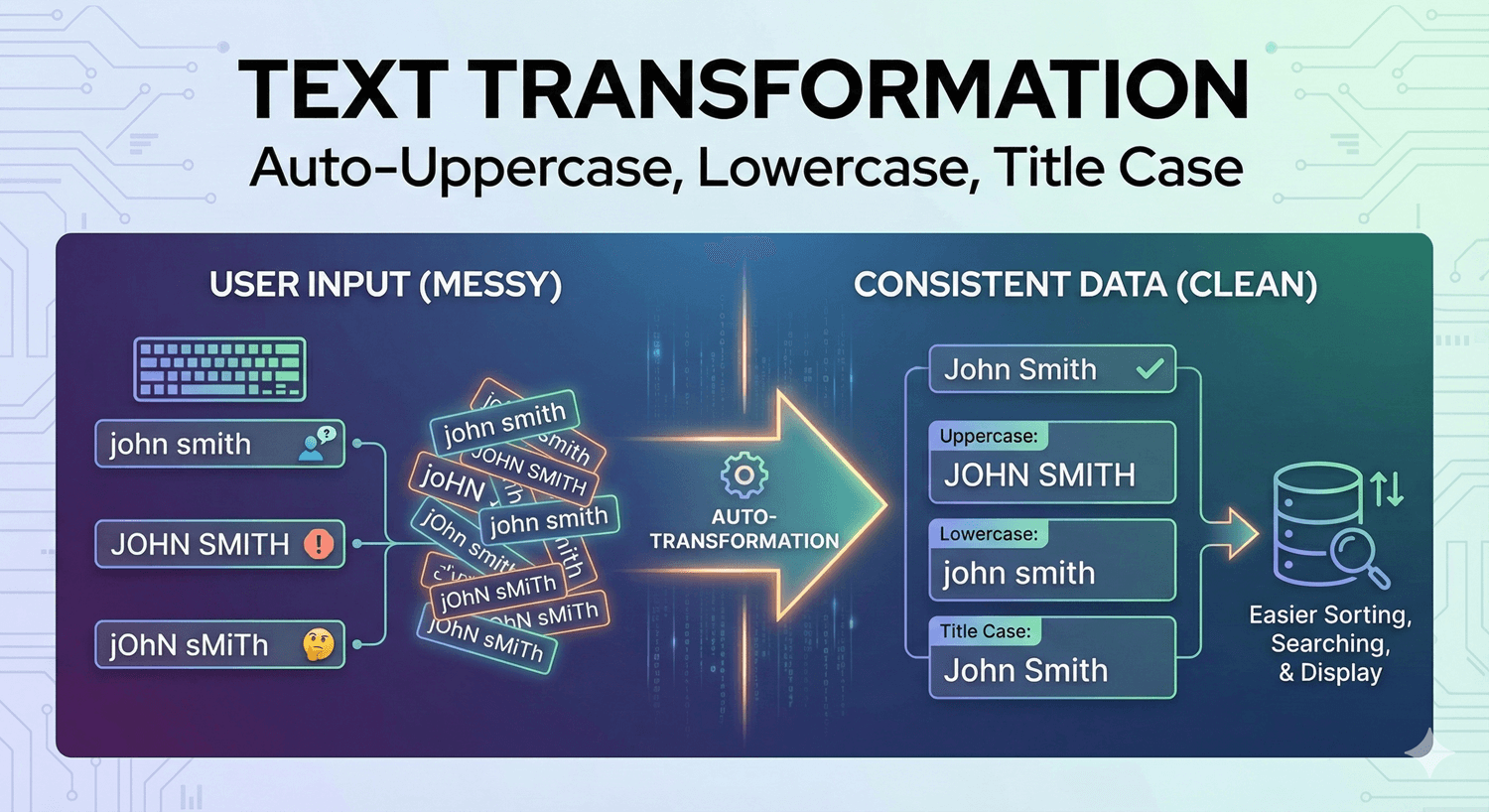
People type the same information in wildly different ways. A name comes in as “sarah mitchell,” “SARAH MITCHELL,” and “Sarah mitchell”; a reference code arrives in every mix of cases. Individually these are fine, but as data they’re inconsistent — harder to sort, match, and present cleanly. Text transformation fixes this automatically, standardizing case so your data arrives uniform. Here’s how it works on Auto Form Builder’s Text field.
Why consistent case matters
Inconsistent capitalization is a small thing that causes real friction. Names in all caps look shouty in your emails; codes in mixed case break lookups that expect a specific format; a list sorted with inconsistent case gets muddled. Standardizing case as data comes in means it’s clean from the start, with no manual tidying later — and it makes anything you do downstream (personalized emails, exports, matching) more reliable.
Use the Text Transform option
On the Text field’s options, the Text Transform setting standardizes the case of what people enter when the form is submitted. Rather than storing exactly whatever mix of cases someone typed, the field applies your chosen transformation so the value arrives in a consistent form. It’s a set-and-forget setting: turn it on for the fields where consistency matters, and every submission is normalized automatically.
Common transformations and where they fit
Different fields call for different cases:
- Title Case suits names and titles — “sarah mitchell” becomes “Sarah Mitchell,” so your greetings and records look polished.
- UPPERCASE suits reference codes, product codes, or anything conventionally capitalized — “afb-1234” becomes “AFB-1234.”
- lowercase suits values that should never be capitalized, keeping them uniform.
Match the transform to the field’s purpose, and the data presents itself correctly every time.
A note on when to use it
Text transformation is great for standardizing, but use it thoughtfully. Names are usually a good fit for title case, though be mindful of names with intentional capitalization (like “McDonald” or “van der Berg”) — for those, sometimes leaving input as-is is safer. Codes and structured values are the strongest case for transformation, since they follow a fixed convention. When in doubt, apply it where there’s a clear “correct” format and leave it off where people’s own formatting should be respected.
Combine with validation
Transformation standardizes case; validation enforces format. Used together on a coded field — a pattern rule plus uppercase transformation — you get input that’s both correctly structured and consistently cased. And with length limits, you have full control over exactly what a field accepts and how it’s stored.
Cleaner data, automatically
- Turn on Text Transform for fields where consistent case matters.
- Use title case for names, uppercase for codes, lowercase where needed.
- Be careful with names that have intentional capitalization.
- Combine with validation and length limits for precise, clean input.
Text transformation is a quiet workhorse — a single setting that means your stored data is uniform no matter how people type. It saves cleanup, makes exports tidier, and it’s free, no code required. Everything you collect lands neatly in your submissions dashboard, already consistent.
Ready to keep your data consistent? Install Auto Form Builder free from WordPress.org.
FAQ
Can I automatically format text input?
Yes. The Text field's Text Transform option can standardize what people enter on submit — for example, to uppercase, lowercase, or title case — for consistent data.
Does text transformation change what the visitor sees as they type?
The transform standardizes how the value is handled on submit, so your stored data is consistent regardless of how the visitor typed it.