
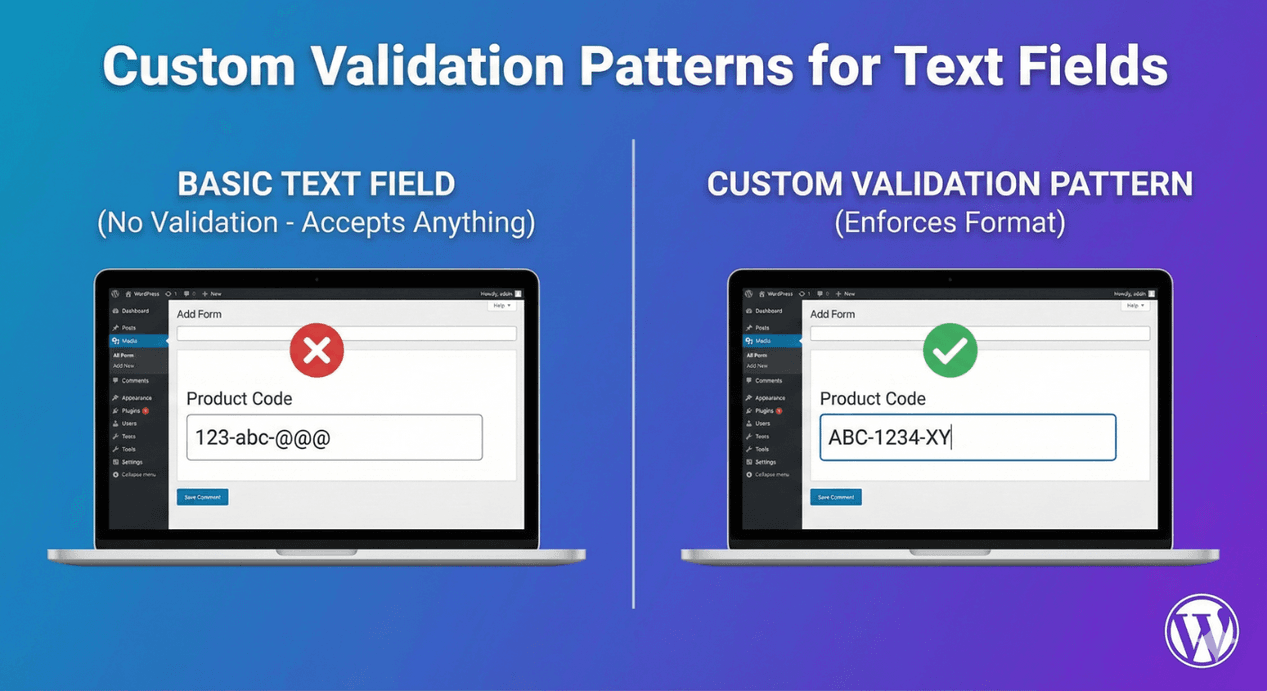
Custom Validation Patterns for Text Fields
Free-text fields are flexible, but flexibility is also their weakness — people enter data in every shape imaginable, and you end up cleaning it up later. When a field needs input in a specific format — a reference code, an ID number, a postcode, a particular structure — validation rules keep it consistent. Input that doesn’t fit is caught at the point of entry, not discovered later. Here’s how to use validation on Auto Form Builder’s Text field.
Why format validation matters
Consider a field that should hold a reference code like “AFB-1234.” Without validation, you’ll get “afb1234,” “1234,” “AFB 1234,” and a dozen other variations that all mean the same thing but look different to any system that uses them. Enforcing a format means every entry arrives in the same shape, ready to use, sort, or match — no manual cleanup, no broken lookups.
Set a validation rule
On the Text field’s options, the Validation setting lets you enforce a format or pattern on what people type. Instead of accepting any text, the field checks the input against the rule you’ve chosen and only lets it through if it matches. This turns an open text box into a field that guarantees the structure you need — the same principle the Phone field’s formats use for phone numbers, applied to general text.
Inline errors guide people to the right answer
Validation only helps if it’s enforced clearly, and it is. When input doesn’t match the required pattern, the field shows an inline error message, visually marks the field, and blocks submission until it’s fixed — and the error clears automatically the moment the input becomes valid. That’s a much better experience than a form that submits and fails silently, or one that bounces people with a vague error. People are guided to the correct format in real time, right where the problem is.
Where pattern validation helps
- Reference and order numbers with a fixed structure.
- Account or customer IDs in a specific format.
- Postcodes and postal codes that follow a pattern.
- Any coded value where consistency matters for lookups or exports.
For common cases like email addresses, the dedicated Email field already validates format for you — so reach for text validation when you need to enforce a structure the specialized fields don’t cover.
Combine with length limits
Validation controls the shape of the input; length limits control its size. Used together — a pattern plus a minimum and maximum length — you get tight control over exactly what a field accepts. Our guide to character limits covers the length side, and the two work naturally in tandem for fields that need to be precise.
React to validated input
Because it’s a normal field, a validated text field can still drive conditional logic — so a correctly-formatted entry can shape what the form does next. You get both clean data and a form that responds to it.
Clean, consistent input every time
- Use the Text field’s validation to enforce the format you need.
- Rely on inline errors to guide people to the correct input.
- Combine with length limits for precise control.
- Use the specialized fields (like Email) where they already validate for you.
Format validation is a small setting that saves a lot of cleanup, turning an open text box into a field that only accepts data in exactly the shape you need. And it’s free, no code required.
Related reading: Text transformation.
Ready to collect precisely-formatted data? Install Auto Form Builder free from WordPress.org.
FAQ
Can I enforce a specific format in a text field?
Yes. The Text field's validation lets you enforce a format or pattern, and input that doesn't match is flagged with an inline error before the form submits.
What happens when input doesn't match the pattern?
The field shows an inline error, marks the field, and blocks submission until the visitor corrects it — and the error clears as soon as the input is valid.