
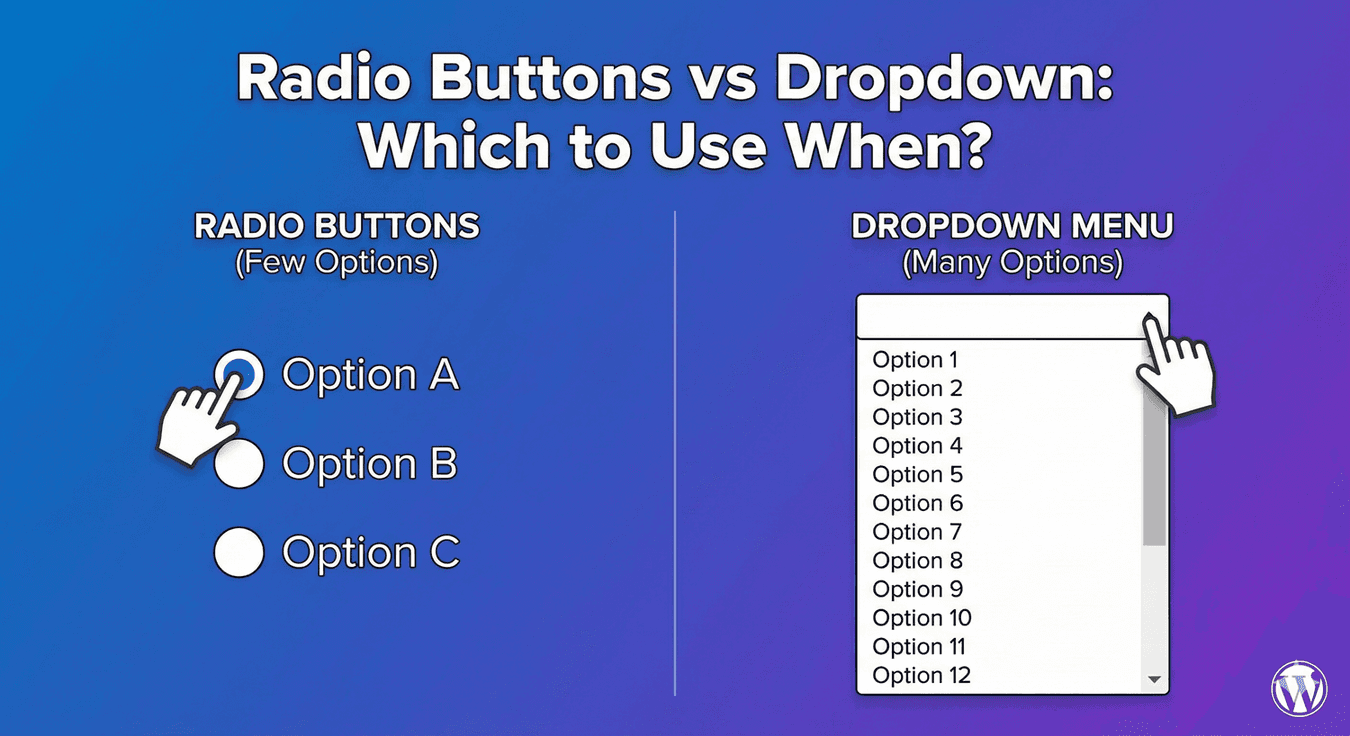
Radio Buttons vs Dropdown: Which to Use When?
Radio buttons and dropdowns do the same core job: they let people pick exactly one option from a list. Because they’re interchangeable in function, people often choose between them by habit rather than reason — and pick the wrong one. The right choice genuinely affects how easy your form is to use. Here’s a clear guide to when each wins, so you always pick the better field.
The one thing they have in common
Both a Radio field and a Dropdown field collect a single choice — one option, mutually exclusive with the others. So the decision isn’t about what they do; it’s about how they present the options and how that affects the person filling in your form. That comes down mostly to one factor: how many options there are.
When to use radio buttons
Radio buttons show every option at once, laid out in the open. That’s their strength: people see the full set of choices without any interaction, which makes deciding fast and easy. Use radio buttons when:
- The list is short — up to roughly six or seven options.
- Seeing all the options at once helps people choose (comparing plans, for instance).
- You want the choice to feel immediate and obvious.
- The options are important enough to be worth showing prominently.
For a small set of choices, radios are almost always the better, more user-friendly option.
When to use a dropdown
Dropdowns keep options hidden until clicked, which saves space but adds a step. That trade-off is worth it when the list is long. Use a dropdown when:
- The list is long — more than seven or so options.
- Showing every option would take up too much of the form (think countries, states).
- You want a compact, tidy layout.
- People may need to search — a searchable dropdown lets them type to filter, which is invaluable for very long lists.
For long lists, a dropdown keeps the form manageable where a mass of radio buttons would overwhelm it.
The mobile factor
On phones, the calculus sharpens. A short list of radio buttons is easy to tap accurately. A long list of radio buttons, though, means a lot of scrolling on a small screen — where a dropdown (especially a searchable one) is far more comfortable. When in doubt for mobile, lean toward radios for short lists and dropdowns for long ones, just as on desktop, but be even stricter about keeping radio lists short.
Both drive conditional logic
Whichever you choose, the selection can trigger conditional logic — revealing or hiding other fields based on the choice. So you don’t lose any power by picking one over the other; both integrate the same way. Choose purely on the UX factors above.
The simple rule
- Short list (up to ~6 options): use radio buttons.
- Long list (7+ options): use a dropdown.
- Very long list: use a searchable dropdown.
- Either way: the choice can drive conditional logic.
Get this small decision right and your single-choice questions feel effortless instead of awkward. Both fields are free, and switching between them takes seconds — so match the field to the list every time.
Related reading: How to create dropdown menus in WordPress forms and how to add radio buttons.
Ready to build cleaner choice fields? Install Auto Form Builder free from WordPress.org.
FAQ
When should I use radio buttons instead of a dropdown?
Use radio buttons for short lists (up to about six options) where showing everything at once helps. Use a dropdown for longer lists or to save space.
Which is better on mobile?
For short lists, radio buttons are easy to tap. For long lists, a dropdown — especially a searchable one — is more manageable on a small screen.