
How to Create Dynamic Forms with Conditional Logic
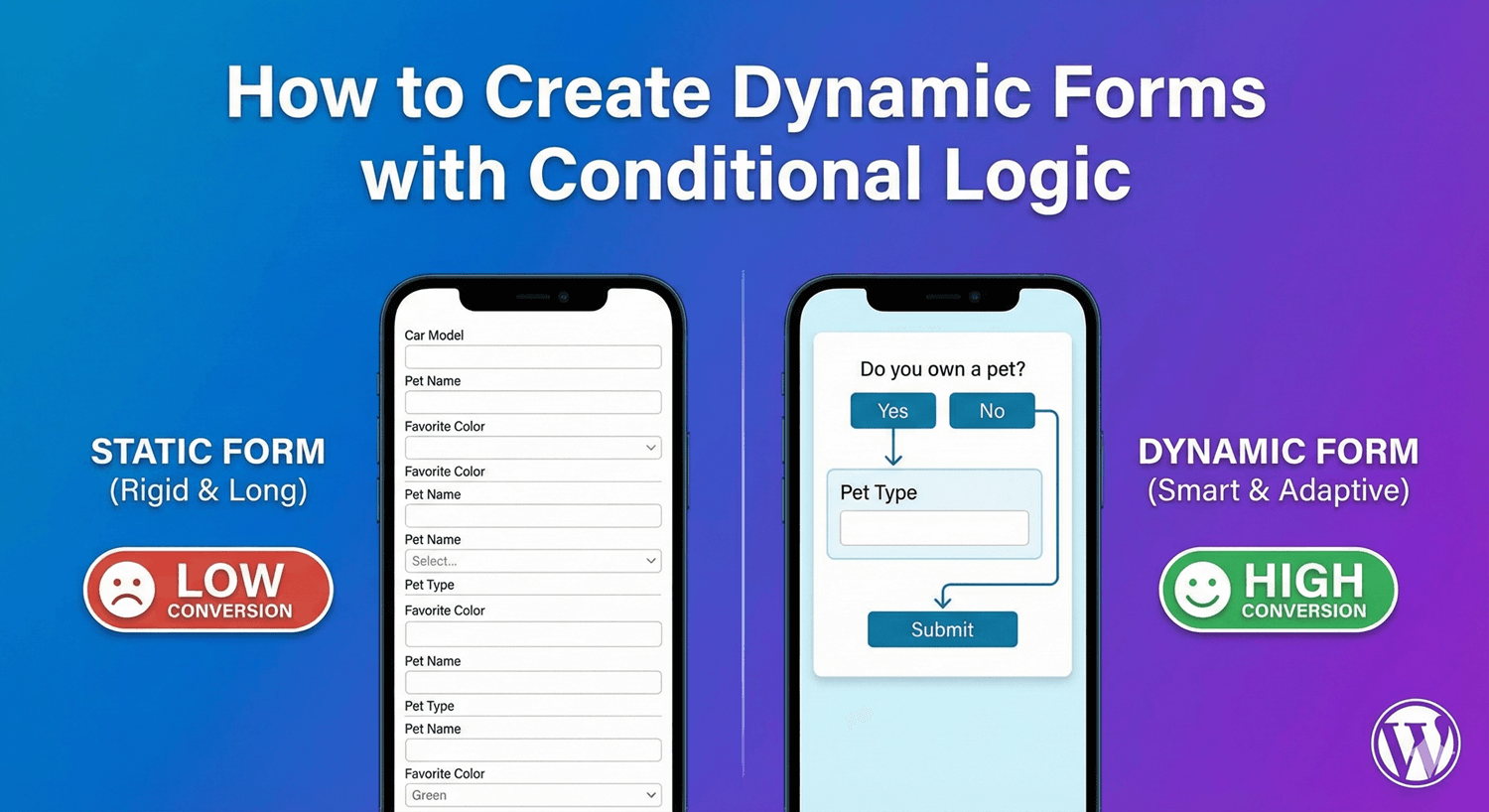
A static form shows everyone the exact same fields, whether they apply or not. A dynamic form is smarter: it reshapes itself around each person’s answers, showing only what’s relevant and adapting what happens next. The result is a single form that handles many different situations while feeling short and tailored to everyone who fills it in. Here’s how to build one with Auto Form Builder’s conditional logic.
What makes a form “dynamic”
A dynamic form responds to input. As someone answers, the form changes — revealing fields, hiding sections, adjusting the outcome. Pick “business customer” and business fields appear; choose “support” and the form routes differently; select “no” and a whole section vanishes. Instead of a fixed set of fields, the form becomes a conversation that adapts. That adaptability is what turns one form into something that can serve sales, support, and general enquiries all at once.
The engine: conditional logic
Everything dynamic starts with conditional logic — rules that make the form react. The basic pattern is “if this answer, then that change.” Set it up by choosing a field, deciding whether to show or hide it (or change an outcome), and adding the condition that triggers it. Our explainer on what conditional logic is covers the fundamentals; here we’re focused on using it to build genuinely dynamic behavior.
Show and hide fields dynamically
The most common dynamic behavior is revealing fields based on answers. A dropdown or radio selection can trigger related fields to appear — “Other (please specify)” opening a text box, an enquiry type revealing topic-specific questions. Each person sees a form built from their own answers, which keeps it short and relevant. Our guide to showing and hiding fields walks through the setup.
Make outcomes dynamic too
Dynamic forms aren’t only about fields — the outcome can adapt as well. Conditional logic can change the success message or redirect based on answers, route the notification email to different people, change its subject, or send a different confirmation. So a single contact form can thank a job applicant differently from a sales lead, and send each to the right inbox. The form’s response is as dynamic as its fields.
Branch across steps for complex forms
For genuinely complex forms, combine conditional logic with multi-step forms. Answer-based branching skips or jumps entire steps, so each person takes a path built from their answers — a new customer skips the returning-customer step, someone who selects one service never sees another’s questions. A progress bar keeps it all clear. This is dynamic behavior at the largest scale, turning a sprawling form into a short, personalized journey.
Keep dynamic forms user-friendly
Dynamic doesn’t mean chaotic. The best dynamic forms feel smooth, not jumpy — fields reveal downward as people progress, rules stay simple and predictable, and every path makes sense. Our guide to conditional logic best practices covers how to keep a dynamic form feeling effortless rather than confusing. Test each path in preview before publishing.
Build a dynamic form
- Use conditional logic to show and hide fields based on answers.
- Make outcomes dynamic too — messages, redirects, and emails.
- Branch steps with multi-step for complex forms.
- Keep reveals smooth and rules simple.
- Test every path before you publish.
A dynamic form does the work of several static ones, feels tailored to everyone, and converts better because it’s always relevant. It’s all built into the free core, no code required.
Related reading: What is conditional logic?, creating a quote request form with conditional logic, and what is conditional logic in WordPress forms?.
Ready to build forms that adapt? Install Auto Form Builder free from WordPress.org.
FAQ
What is a dynamic form?
A dynamic form changes based on what people answer — showing different fields, messages, or steps for different responses, instead of the same static form for everyone.
How do I make a form dynamic?
Use conditional logic to show or hide fields, change outcomes, and branch steps based on answers, so the form adapts to each person in real time.