
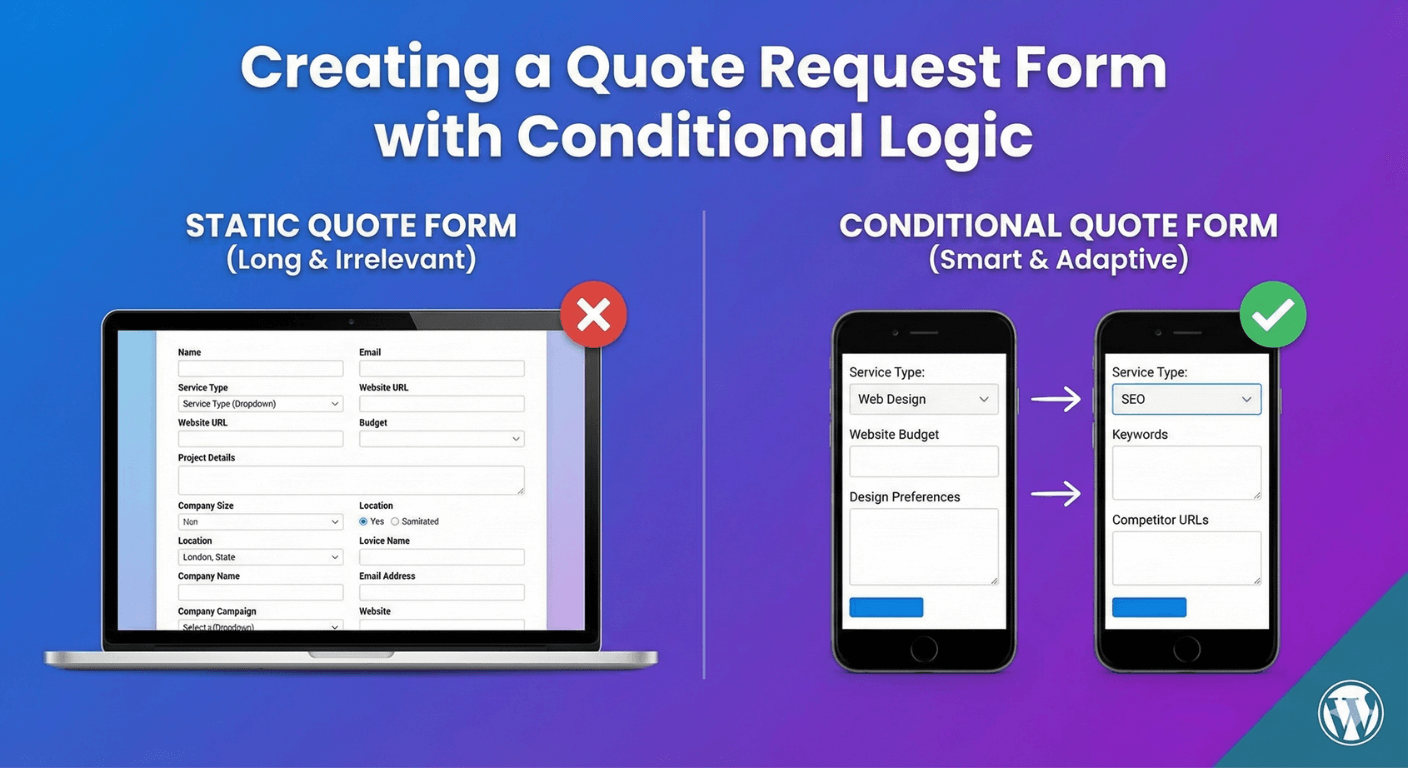
Creating a Quote Request Form with Conditional Logic
A quote request form has a specific job: gather exactly enough detail to price a job accurately, without making people wade through questions that don’t apply to them. The secret to doing both is conditional logic — asking each person only what’s relevant to their particular request. Here’s how to build a smart quote request form in Auto Form Builder that captures what you need and stays short for everyone.
Why quote forms need conditional logic
Different jobs need different information. A quote for one service might hinge on square footage; another on quantity; another on timeline. A generic form that asks everything of everyone is long, off-putting, and full of “N/A” answers. Conditional logic solves this by revealing only the questions that matter for the service someone selects — so each person answers a short, relevant set, and you get precisely the details you need to quote. It’s the difference between a form people abandon and one that brings you well-qualified requests.
Start with the service selection
The anchor of a smart quote form is the initial choice. Add a Dropdown or radio field asking what service or product the person wants a quote for. This selection is what drives everything else — the questions that follow will depend on it. Keep this first choice clear and simple, since it sets the path for the rest of the form.
Reveal relevant questions conditionally
Now use conditional logic to show follow-up questions based on the service chosen. Pick “Kitchen renovation” and questions about size and finishes appear; pick “Logo design” and questions about brand and deliverables show instead. Each service reveals its own relevant set of fields, and questions for other services stay hidden. Our guide to showing and hiding fields covers the setup. This is what keeps the form short while still capturing service-specific detail.
Let people attach supporting files
Accurate quotes often depend on seeing the job. Add a File Upload field so people can attach a brief, plans, reference images, or documents. Being able to review what they’ve sent means you can quote more accurately and with fewer back-and-forth emails. Use conditional logic to show the upload only for services where it’s relevant.
Capture budget and details
Include a way to capture budget expectations — a dropdown of ranges works well and helps you gauge fit quickly — and a Textarea for any additional details in the person’s own words. Together with the conditional service questions, these give you a rounded picture of the request.
Use multi-step for complex quotes
If quoting your work needs a lot of information, a single page can feel heavy even with conditional logic hiding some fields. Turn the form into a multi-step flow with a progress bar, and use answer-based branching to skip steps that don’t apply. Our guide to quote request forms covers this use case in full. Multi-step keeps a detailed quote form from feeling overwhelming.
Respond fast with organized requests
Every quote request lands in your submissions dashboard, where you can search, filter, tag by service, and export. Set up an instant notification so you never miss a request, and a confirmation email so the person knows it’s on its way to you. The faster and more organized your response, the more jobs you win.
Build a smart quote form
- Start with a clear service or product selection.
- Use conditional logic to reveal only relevant questions.
- Add a file upload for briefs and reference material.
- Capture budget and open details.
- Use multi-step for complex quotes.
- Respond fast with notifications and organized requests.
A quote form built this way asks each person exactly what’s needed to price their job — short for them, complete for you. It’s all built from free core features, no code required.
Ready to win more quotes? Install Auto Form Builder free from WordPress.org.
FAQ
How does conditional logic help a quote form?
It shows each person only the questions relevant to the service or option they choose, so you capture exactly what you need to quote — without a long, generic form.
Can people attach files to a quote request?
Yes. Add a file upload field so people can attach briefs, plans, or reference images that help you quote accurately.