
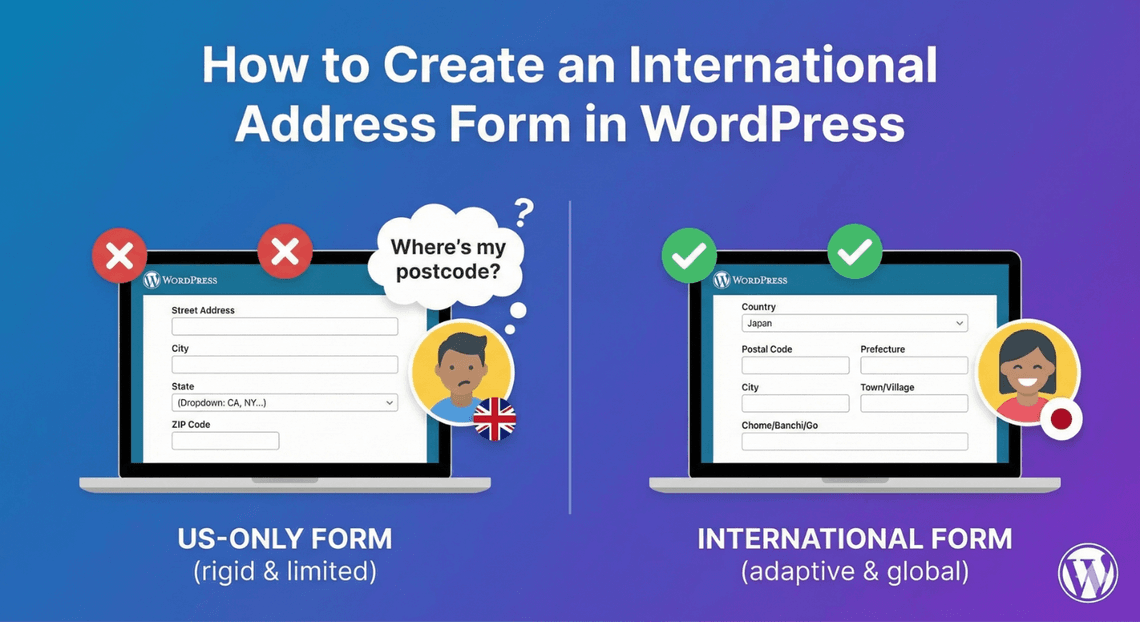
How to Create an International Address Form in WordPress
Collecting addresses from a single country is straightforward. Collecting them from all over the world is trickier: address formats vary, field names differ (“ZIP” vs “postcode” vs “postal code”), and you need to know which country each address belongs to. A rigid, US-style address form frustrates international visitors. Auto Form Builder’s Address field is flexible enough to handle it. Here’s how to build an international address form.
The challenge with international addresses
Every country structures addresses a little differently — the order of elements, whether a state or region applies, the format of the postal code. A form that assumes one country’s format forces everyone else to shoehorn their address into fields that don’t quite fit. The goal for an international form is flexibility: capture the parts that matter, know the country, and don’t impose one nation’s conventions on everyone.
Show the country component
The single most important element of an international address form is the Country field. The Address field includes a Country component — show it so you always know which country an address belongs to. That context is essential: it tells you how to interpret the rest of the address, informs shipping and tax, and lets you sort by region. When the country is shown and required, no default is silently pre-selected, so people must choose explicitly rather than accidentally leaving the wrong country. This is the opposite of a US-only form, where you’d hide the country entirely.
Use flexible, neutral labels
Labeling matters for a global audience. Use neutral terms that work across countries where you can — “Postal / ZIP code” rather than just “ZIP,” “State / Province / Region” for the regional line, which the Address field already uses. Neutral labels avoid confusing people whose country uses different terminology, and they signal that your form was built with an international audience in mind. Our guide to customizing address components covers which parts to show and how.
Keep required rules flexible
Rigid required rules cause the most trouble internationally, because not every component applies in every country — some places don’t use a state or region, and postal code formats vary widely. Require the genuinely universal parts (street, city, country) and be cautious about forcing components that don’t apply everywhere. The Address field’s per-component required toggles let you tune this, so an international visitor isn’t blocked by a required field their address doesn’t have.
Adapt with conditional logic
You can make the form smarter with conditional logic. For example, use a country dropdown selection to show or adjust related fields — revealing a state dropdown for countries that use them, or region-specific guidance. This lets a single form adapt to different countries’ conventions rather than showing everyone the same rigid set of fields.
Pre-fill and manage international data
Each address component can read its own URL parameter, so you can pre-fill parts of the address from a link for known visitors. And because the Country component captures where each address is, your stored submissions are easy to filter and sort by region — useful for shipping zones, regional follow-up, or understanding where your audience is.
Build an international address form
- Show the Country component so you know each address’s country.
- Use neutral, flexible labels that work across countries.
- Require only the universally-applicable parts.
- Use conditional logic to adapt to different countries’ formats.
A flexible international address form respects your global audience and gives you clean, well-understood location data. It’s built into the free Address field, no code required.
Related reading: Creating country and state dropdowns in WordPress forms.
Ready to collect addresses worldwide? Install Auto Form Builder free from WordPress.org.
FAQ
Can I collect addresses from any country?
Yes. The Address field's components — including a Country option — let you collect addresses from anywhere, with flexible labeling to suit international formats.
Should I show the country field for an international form?
Yes. For an international audience, show the Country component so you know where each address is, and keep other components flexible enough for varied formats.