
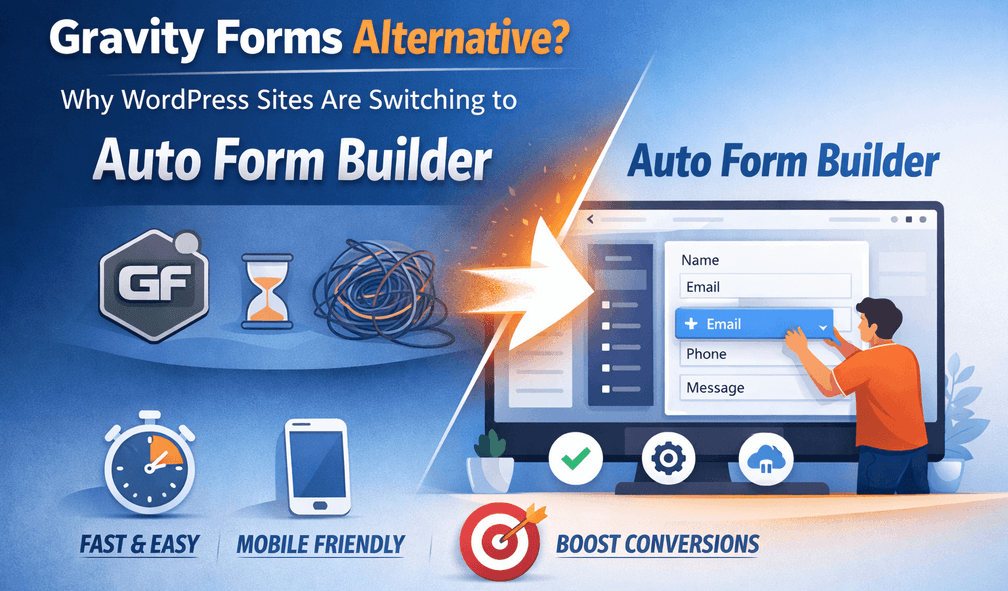
Gravity Forms Alternative: Why Sites Are Switching to Auto Form Builder
Gravity Forms has earned its reputation — it’s a powerful, developer-friendly form plugin with a deep ecosystem. But it comes with one significant condition: there’s no free version, and using it means paying for a license, renewed annually. For many WordPress sites, that cost prompts a search for an alternative that offers the same core capabilities without the fee. Here’s an honest look at why sites are switching to Auto Form Builder, and who each option suits.
The core difference: license vs free
The most immediate distinction is cost. Gravity Forms requires a paid license with no free tier, and that license renews each year. Auto Form Builder’s core is completely free, with no license, no annual renewal, and no paywall on its main features. For sites where the form functionality doesn’t justify a recurring license cost — or for agencies managing many client sites where licenses multiply — a genuinely free alternative is compelling. That’s the number one reason people look to switch.
Features included free
What makes the cost comparison meaningful is what you get for free. Auto Form Builder includes in its free core the kind of features that make Gravity Forms worth its license: conditional logic, multi-step forms with branching, surveys, file uploads, submission storage, spam protection, user registration, and webhooks. So switching isn’t about accepting fewer capabilities to save money — for the core feature set, you get comparable functionality without the fee. Our full Gravity Forms comparison breaks this down feature by feature.
The AI difference
One area where Auto Form Builder offers something distinct is AI. It can build a form from a plain-English description, and turn any form into a conversational chat that collects answers naturally — optional features that most traditional form plugins don’t include. If you’re interested in AI-assisted form building, that’s a point of difference worth weighing. (The AI features are optional and off by default; the rest of the plugin is free regardless.)
Where Gravity Forms still appeals
An honest comparison acknowledges Gravity Forms’ genuine strengths. It’s mature, deeply developer-friendly, and has a large ecosystem of third-party add-ons built up over many years — integrations and extensions for almost anything. If your workflow depends on a specific Gravity Forms add-on, or you value that established ecosystem and are happy to pay for it, Gravity Forms remains a strong, capable choice. Auto Form Builder is newer, so it doesn’t have that same breadth of third-party add-ons yet.
Making the switch
There’s no automated import between the two, so switching means rebuilding your forms in Auto Form Builder. Because it’s a visual drag-and-drop builder, that’s usually quick — and many people find it a good moment to simplify forms they’d overcomplicated. You keep your core functionality and drop the annual license.
Which should you choose?
- Choose Gravity Forms if you rely on its specific add-on ecosystem and are comfortable with a paid annual license.
- Choose Auto Form Builder if you want conditional logic, multi-step, surveys, and more for free, with optional AI, and no recurring cost.
Both are capable form builders. The real question is whether a paid license buys you something you specifically need — and for a growing number of sites, the answer is that a free alternative covers the essentials just as well. For the detailed head-to-head, see our Gravity Forms comparison.
Related reading: Auto Form Builder vs Contact Form 7, best free form builder plugins for WordPress, and best WordPress form plugins with conditional logic.
Ready to build powerful forms for free? Install Auto Form Builder free from WordPress.org.
FAQ
Is Auto Form Builder a free Gravity Forms alternative?
Yes. Auto Form Builder's core is completely free, including conditional logic, multi-step forms, and surveys — features Gravity Forms provides under a paid license.
Can I switch from Gravity Forms to Auto Form Builder?
Yes. You rebuild your forms visually — there's no automated import — and you gain the same core capabilities without an annual license fee.