
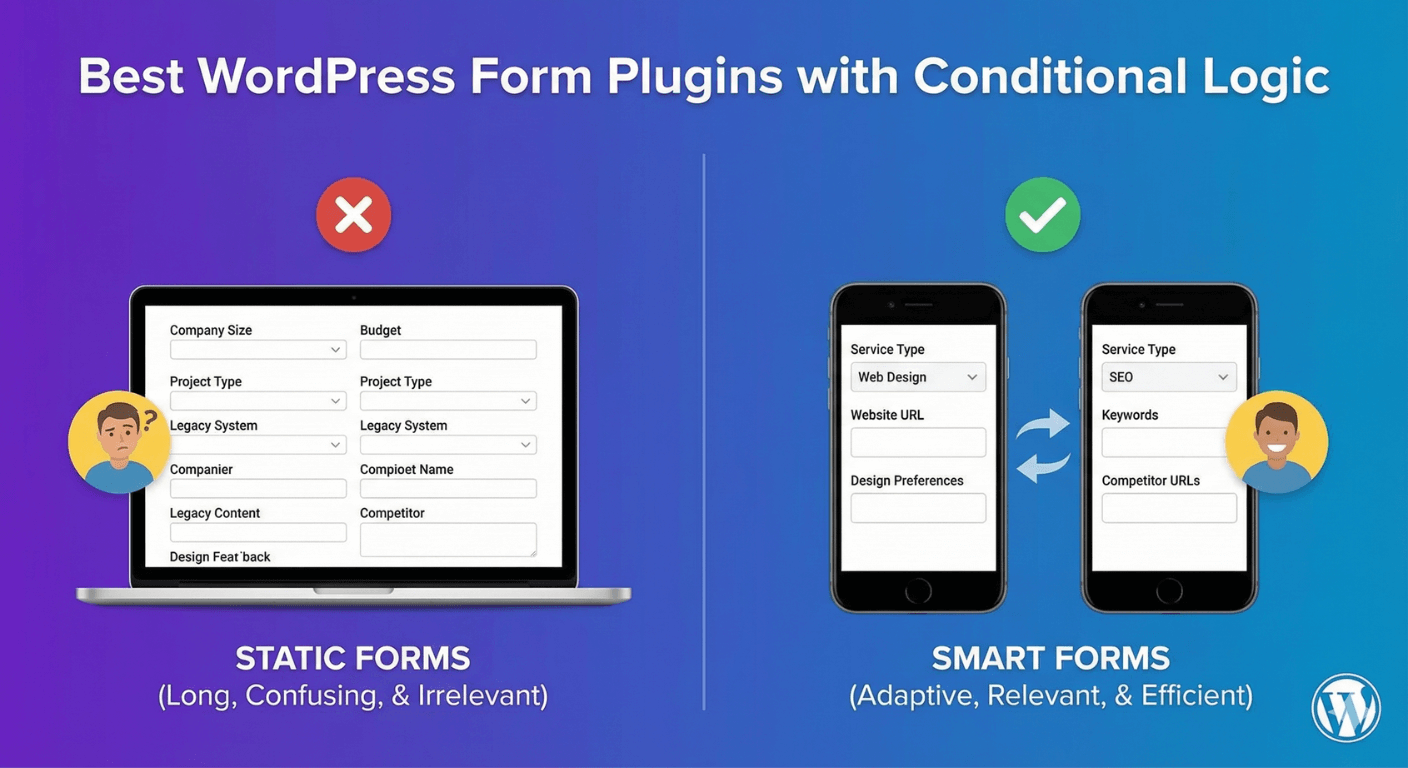
Best WordPress Form Plugins with Conditional Logic
Conditional logic is the feature that separates a basic form plugin from a genuinely capable one. It’s what lets forms adapt to answers, stay short, and convert better. But here’s the catch many people discover only after installing: conditional logic is frequently locked behind a paid tier. If you’re choosing a WordPress form plugin specifically for conditional logic, here’s what to look for — and how to get it without a paywall.
Why conditional logic is worth prioritizing
A form without conditional logic shows everyone every field, which makes it longer and less relevant than it needs to be. A form with it shows each person only what applies to them, which is shorter, clearer, and completes better. If you’re building anything beyond the simplest contact form — a form that serves different customer types, routes enquiries, or adapts to answers — conditional logic isn’t a luxury, it’s the core capability that makes the form good. Our explainer on what conditional logic is covers the fundamentals.
What good conditional logic looks like
Not all conditional logic is equal. When comparing plugins, look for:
- Show/hide on any field, not just a select few field types.
- AND/OR conditions so you can build precise rules, as covered in our AND vs OR guide.
- Logic that also controls outcomes — changing the success message, redirect, or which email is sent, not just fields.
- Multi-step branching to skip entire sections on longer forms.
- Reliable behavior inside popups and page builders, where some plugins’ logic breaks.
A plugin that ticks these gives you real flexibility; one that offers only basic show/hide will limit you as your forms grow.
The paywall problem
The most important thing to check is simply this: is conditional logic free, or does it require a paid tier? In many popular plugins, it’s a premium feature — you install the free version, start building, and hit a wall the moment you need a field to appear conditionally. That turns a “free” plugin into a paid one at exactly the point your form gets interesting. Always confirm where a plugin draws its free/paid line before committing, as our guide to free form builders discusses.
Conditional logic, free in Auto Form Builder
Auto Form Builder includes conditional logic in its free core — no paid tier. And it’s the capable kind: show or hide any field with AND/OR conditions, change messages and emails based on answers, auto-fill values when conditions are met, and it works with every field including survey fields. It also works reliably inside popups and page builders like Elementor and Brizy. For longer forms, it pairs with free multi-step branching to skip whole sections.
Being newer than some long-established plugins, it doesn’t have their years of third-party add-ons — but for conditional logic itself, everything you’d expect is there, and free.
How to choose
- Confirm conditional logic is included free, not gated behind a paid tier.
- Check it works on any field, with AND/OR conditions.
- Look for logic that controls messages and emails, not just fields.
- Make sure it supports multi-step branching for long forms.
- Verify it works inside popups and your page builder.
If conditional logic is what you need, choose a plugin that gives it to you fully and freely — because it’s the feature you’ll use most to make your forms genuinely good. And with Auto Form Builder, it costs nothing.
Ready for free conditional logic? Install Auto Form Builder free from WordPress.org.
FAQ
Is conditional logic usually free in form plugins?
Often not. Many plugins reserve conditional logic for paid tiers. Auto Form Builder includes it free, along with multi-step branching and the rest of the core.
What should I look for in conditional logic?
Look for show/hide on any field, AND/OR conditions, logic that also controls messages and emails, and multi-step branching — and check whether it's free or paid.