
Form Templates: Speed Up Your WordPress Form Creation
Building every form from a blank page is a slow way to work — especially when most forms share the same bones. Templates fix that. Instead of dragging in the same fields over and over, you start from a form that’s already shaped for the job and just adjust the details. Auto Form Builder includes ready-made templates and reusable saved themes so you can go from idea to published form in a fraction of the time. Here’s how to use them.
Start from a template instead of a blank page
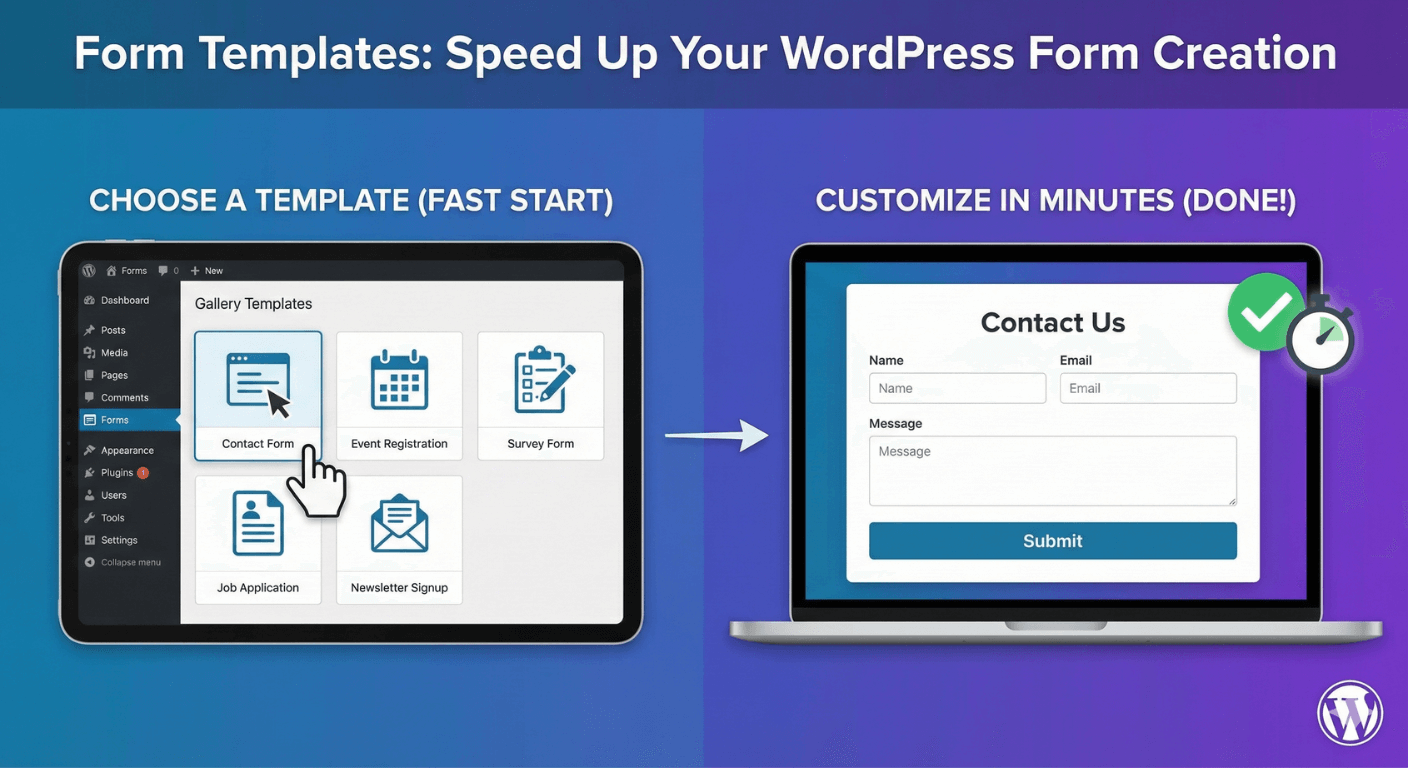
When you create a new form, you can begin from one of several built-in templates:
- Contact — the standard name, email, and message form every site needs.
- Feedback — for gathering opinions and ratings.
- Support — for handling help requests.
- Newsletter — a lean signup form.
- Event Registration — for collecting attendees.
Pick the one closest to what you’re building and you skip most of the setup. Prefer full control? A blank canvas is always there too.
Customize the template to fit
A template is a starting point, not a straitjacket. Once you’ve picked one, you’re in the normal drag-and-drop builder: add or remove fields, rename labels, mark things required, and reorder with a drag or the Move Up/Down buttons. In a minute or two you’ve turned a generic template into your form.
Save your design as a reusable theme
Templates speed up the fields; saved themes speed up the look. When you style a form in the Customize tab — colors, fonts, spacing, buttons — you can save that design as a reusable theme and then apply it to any other form in one click. Design once, reuse everywhere. For anyone running several forms across a site (or across client sites), this is a real time-saver and keeps everything visually consistent. There’s more on styling on the form styling page.
Let AI build the first draft (optional)
If even a template isn’t fast enough, the optional Build with AI feature can generate a starting form from a plain-English description or an uploaded document, with conditional logic already set up. It’s entirely optional and off by default, but when you’re spinning up a new form quickly it can hand you a ready-to-edit draft in seconds.
Build once, reuse forever with import/export
Templates and themes speed up creation on one site. If you manage several, you can export a finished form and import it onto another WordPress site in seconds — ideal for agencies and anyone who reuses the same forms across projects. Your best form becomes a template you own.
A faster form-building workflow
Put it together and your process looks like this: start from the closest template, tweak the fields, apply your saved theme for instant on-brand styling, and publish. What used to take half an hour takes a few minutes — and every part of it is free.
Related reading: How to create a contact form without coding and how to style forms to match your brand.
Ready to build faster? Install Auto Form Builder free from WordPress.org.
FAQ
What templates does Auto Form Builder include?
You can start from Contact, Feedback, Support, Newsletter, and Event Registration templates — or begin with a blank canvas.
Can I reuse a design across multiple forms?
Yes. Save your Customize design as a reusable theme and apply it to any other form in one click.