
Features
WordPress Form Styling & Customization
Make every form match your brand without touching CSS — presets, colors, fonts, layout and reusable saved themes. Free in Auto Form Builder.
What you can do
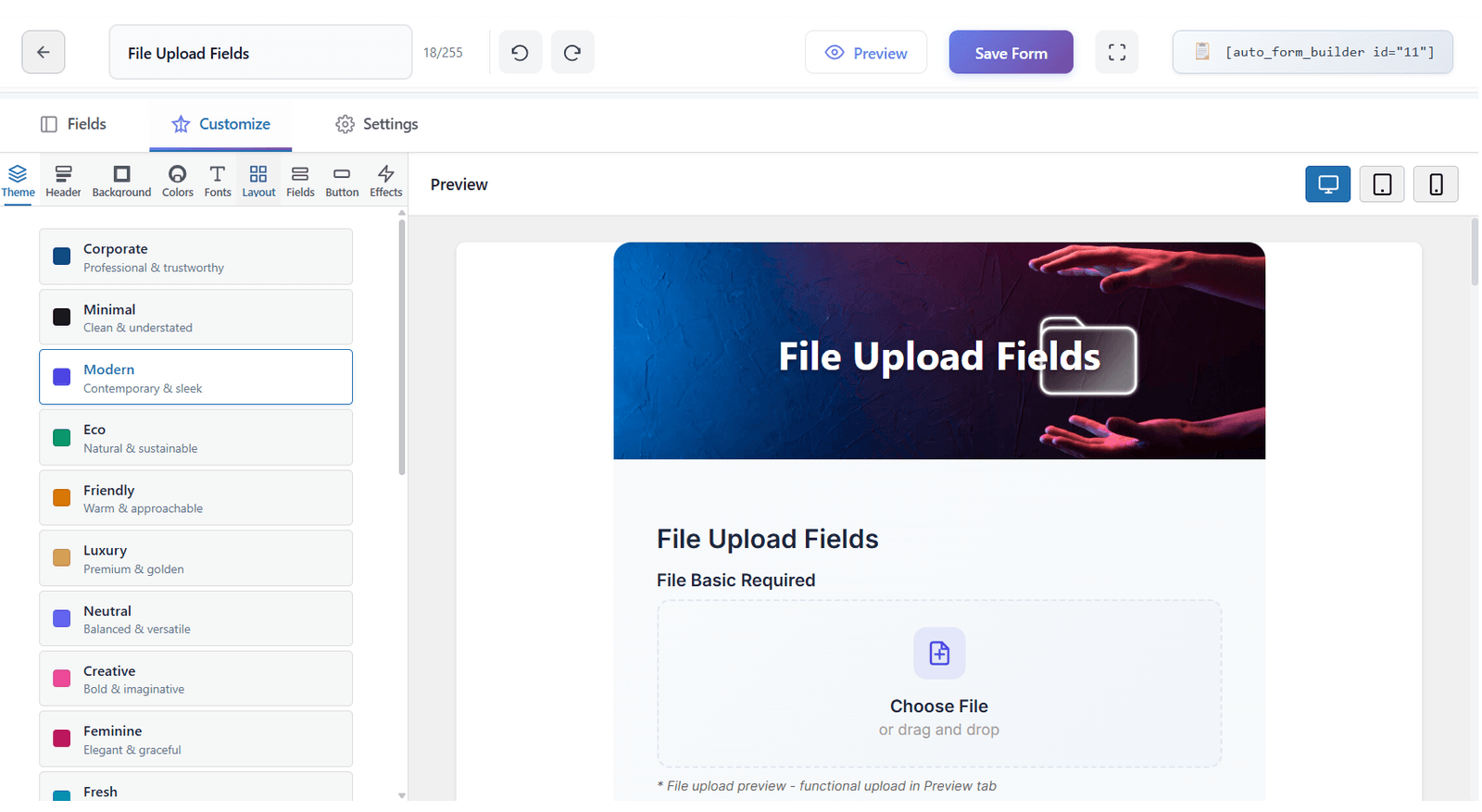
Apply theme presets such as Corporate, Minimal, Modern and more to get a polished look in one click.
Set a per-form header image, background, colors and fonts so each form fits its page and purpose.
Style individual fields and buttons to match your brand guidelines without writing custom CSS.
Save any design as a reusable theme and apply it to other forms with a single click, keeping your site consistent.
Use live preview across desktop, tablet and mobile to confirm your styling looks perfect on every device.
Add HTML content blocks for headings, instructions, and dividers inside your form
How it works
- Open the form you want to style in the Auto Form Builder editor.
- Choose a theme preset as your starting point or customize colors, fonts and layout from scratch.
- Fine-tune field and button appearance, add a header image if needed, and preview on each device size.
- Save the design as a reusable theme for future forms, then publish with your shortcode or embed code.
Why it matters
Forms that look like they belong on your site build trust and convert more visitors into leads. Visual styling without CSS saves hours of design work and keeps every form on-brand, even when your team updates the look later.
Related features
Related fields
FAQ
Do I need CSS?
No — all styling is visual.
Can I reuse a design across forms?
Yes — save it as a theme and apply with one click.