
Creating Form Sections with HTML Blocks
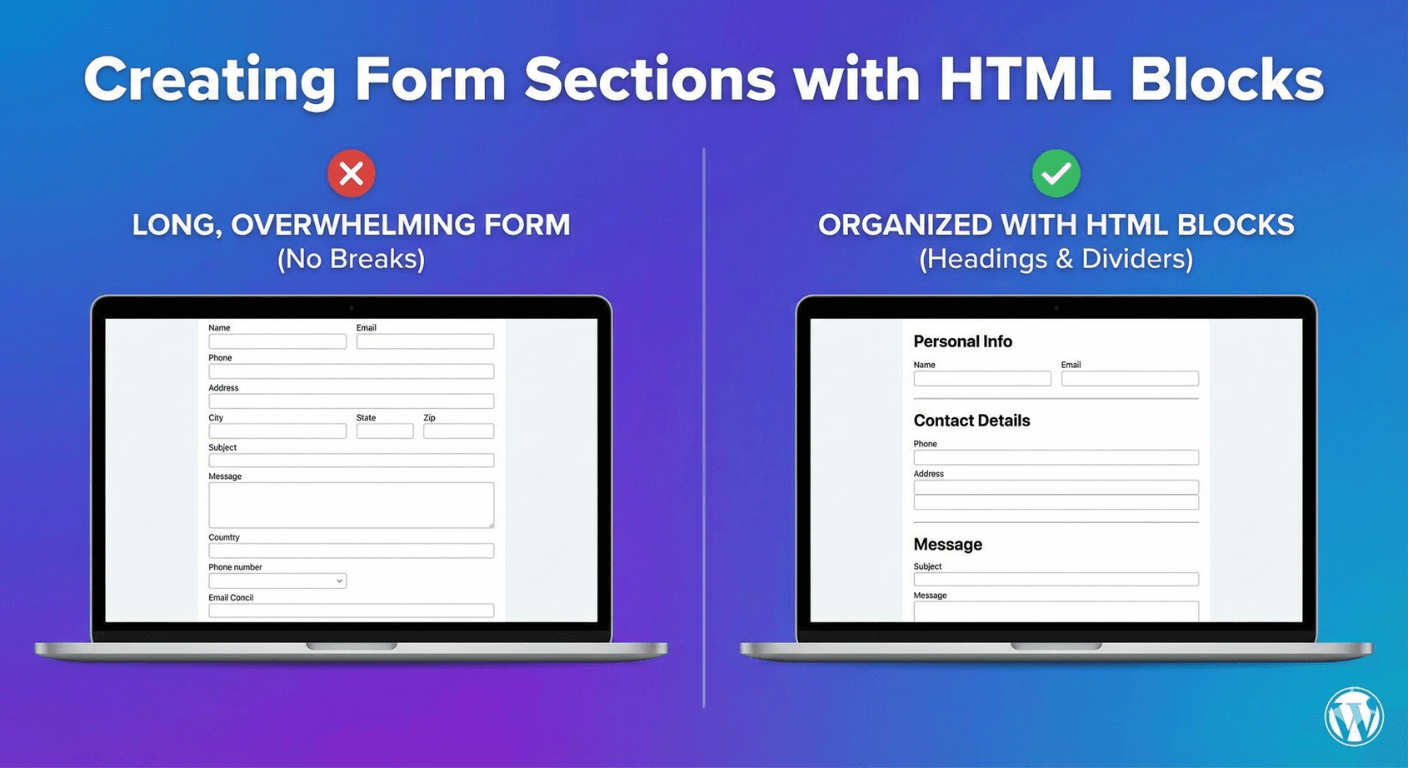
A long form is intimidating when it’s just one endless list of fields. Break it into clear, labeled sections and the same form feels organized and manageable — people can see the structure, understand where they are, and move through it with less friction. Auto Form Builder’s HTML content block is the tool for this: it lets you add headings and dividers to structure your form. Here’s how to use it to create sections.
Why sections make forms better
Structure reduces perceived effort. When a form is visually divided into “Your Details,” “Your Requirements,” and “Additional Information,” people grasp its shape at a glance and it feels shorter than the same fields in one undifferentiated block. Sections also group related questions together logically, which helps people answer more accurately. For any form with more than a handful of fields, sectioning is one of the easiest ways to improve the experience.
Use the HTML block for section headings
The HTML content block adds formatted content to your form — and its most common use is section headings. Add an HTML block where a new section should begin, and enter a heading in its Content box, like <h2>Your Details</h2>. That places a clear, styled section title in the form, signposting what the fields below it are about. Repeat before each group of fields and your form reads as a series of labeled sections. Our guide to adding custom HTML content covers the block in full.
Add dividers between sections
Headings label sections; dividers separate them visually. In an HTML block, a simple <hr> adds a horizontal line — a clean, subtle break between one group of fields and the next. Used with headings, dividers make the boundaries between sections unmistakable, so the form’s structure is obvious even at a glance.
Add section instructions
Sometimes a section needs a word of explanation. The same HTML block can hold a short paragraph — <p>Please provide your shipping details below.</p> — to introduce a section or clarify what’s needed. This puts guidance exactly where people need it, rather than cramming everything into field labels. A brief, well-placed instruction can noticeably improve the quality of answers in that section.
Sections vs multi-step forms
Sectioning with HTML blocks keeps everything on one page, visually organized. For very long forms, consider going further with multi-step forms, which put each section on its own step with a progress bar. The choice: use HTML-block sections when you want one scannable page with clear groupings, and multi-step when the form is long enough that people benefit from tackling one section at a time. Both organize the form; they just do it on one page versus several.
Keep sections consistent and styled
For a polished result, keep your section headings consistent — same heading level, similar phrasing — so the structure feels deliberate. Because the HTML block is part of your form, its content inherits your form styling, so headings and dividers match the overall design rather than looking bolted on.
Structure a form with sections
- Add an HTML block with a heading (
<h2>) before each group of fields. - Use a divider (
<hr>) to separate sections cleanly. - Add a short paragraph to introduce a section where helpful.
- Keep headings consistent for a deliberate look.
- Consider multi-step for very long forms.
Organizing a form into clear sections is a small effort that makes even a long form feel approachable and easy to complete. It’s done with the free HTML block and the simplest HTML, no real coding required.
Ready to build better-organized forms? Install Auto Form Builder free from WordPress.org.
FAQ
How do I organize a long form into sections?
Use HTML content blocks to add section headings and dividers between groups of fields, so a long form reads as clear, labeled sections rather than one endless list.
Do I need to code to create sections?
Only basic HTML — a heading tag for a section title and a divider tag for a line. The HTML block shows examples, so no real coding is needed.