
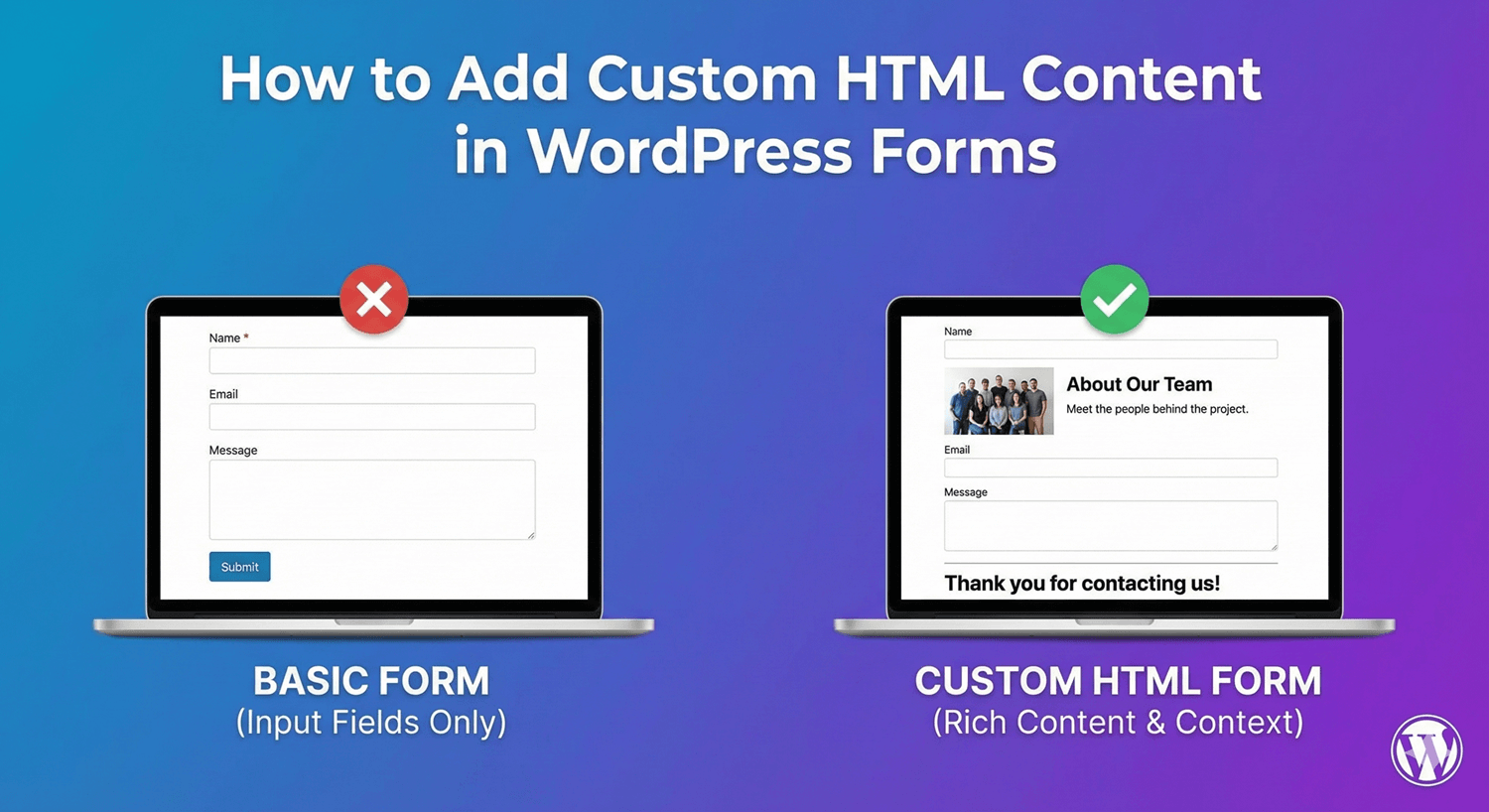
How to Add Custom HTML Content in WordPress Forms
Forms aren’t only made of fields. Sometimes you need to explain a section, add a heading to break up a long form, drop in a link to your privacy policy, or place a divider between groups of questions. For all of that, Auto Form Builder has an HTML Content Block — a way to add formatted content anywhere in your form, not to collect an answer but to guide and structure it. Here’s how to use it.
What the HTML content block is for
The HTML Content Block adds formatted text, links, or basic HTML that appears in your form. Unlike an input field, it doesn’t collect anything from the visitor — it displays content. As the builder itself notes, it’s for instructions, section dividers, and additional information. That makes it the tool for everything a form needs to say that isn’t a question: context, guidance, headings, and structure.
Add and configure the block
Add the HTML block to your form and open its Content box, where you enter your text or HTML. A live Preview shows exactly how your content will appear as you write it, so you can get it right before publishing. Place the block wherever it belongs in the field order — at the top for an introduction, between sections as a heading or divider, or beside a field to add instructions.
The HTML you can use
You only need basic HTML, and the block lists common examples right there:
- Headings —
<h2>Section Title</h2>for a large heading to break up the form. - Paragraphs —
<p>Your text here</p>for blocks of explanatory text. - Bold and italic —
<strong>and<em>for emphasis. - Links —
<a href="https://example.com">Link text</a>to point to a policy, guide, or page. - Bulleted lists —
<ul><li>List item</li></ul>for steps or points. - Dividers —
<hr>for a horizontal line between sections.
Those handful of tags cover almost everything you’d want to add, and none of them require real coding knowledge.
Where it’s most useful
The HTML block shines in a few common situations:
- Instructions — explain what a section is for, or how to complete a tricky part, right where people need it.
- Section headings — break a long form into labeled sections so it feels organized rather than endless.
- Dividers — separate groups of fields visually with a simple horizontal line.
- Context and links — add a note with a link to your terms, privacy policy, or a help page.
- Introductions — set expectations at the top of the form (“This takes about two minutes”).
Used well, these turn a bare list of fields into a form that guides people through it.
Combine with logic and styling
The HTML block works with conditional logic, so you can show a piece of content only when it’s relevant — instructions that appear only for a certain path, for example. And because it’s part of your form, it inherits your styling, so headings and text match the rest of the design. For longer written prompts that need a heading and explanation, the HTML block pairs naturally with input fields like a Textarea below it.
Structure your forms with content
- Use the HTML block to add headings, instructions, links, and dividers.
- Write basic HTML with the built-in examples as a guide.
- Place blocks to introduce, label, and separate sections.
- Combine with conditional logic to show content only when relevant.
The HTML Content Block is what lets a form communicate, not just collect — guiding people, organizing sections, and adding the context that makes a form clear. It’s part of the free core, and needs only the simplest HTML.
Related reading: Creating form sections with HTML blocks.
Ready to build clearer, better-structured forms? Install Auto Form Builder free from WordPress.org.
FAQ
Can I add text or headings between form fields?
Yes. The HTML Content Block lets you add formatted text, headings, links, and dividers anywhere in your form — for instructions, section titles, or extra information.
Do I need to know how to code?
Only basic HTML, and the block shows common examples. Simple tags like headings, paragraphs, bold, links, and a divider cover almost everything you'd need.