
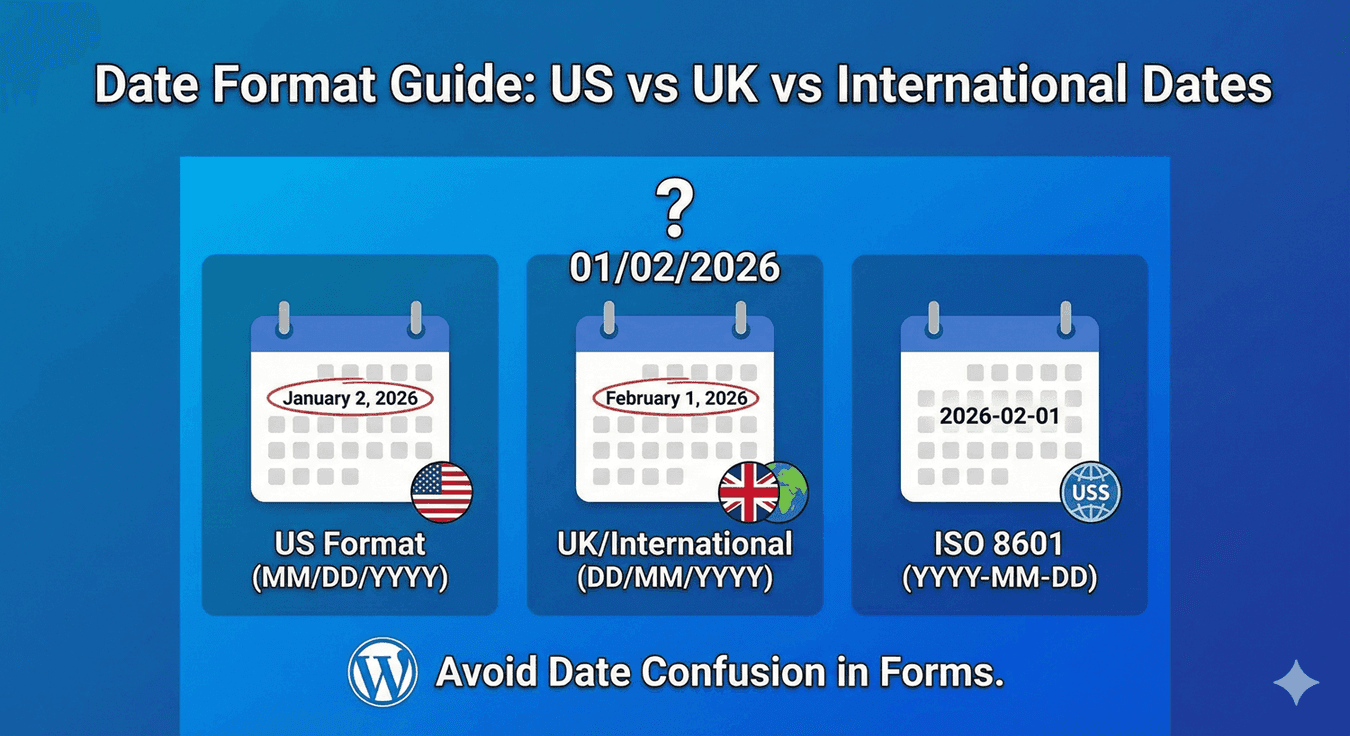
Date Format Guide: US vs UK vs International Dates
Here’s a small problem that causes big confusion: the date 03/04/2026. To someone in the United States, that’s March 4th. To someone in the UK — and most of the world — it’s the 4th of March… wait, no, the 3rd of April. That ambiguity is exactly the point. The same digits mean different days depending on where the reader is from, and on a form, that turns into missed appointments and wrong bookings. Here’s how to handle date formats properly with Auto Form Builder’s Date field.
Why date formats cause trouble
The core issue is the order of day and month. The US writes month first (MM/DD/YYYY); the UK and most other countries write day first (DD/MM/YYYY). When a form doesn’t make the format explicit, people fall back on their own habit — and you end up with a mix of interpretations you can’t reliably untangle later. For anything date-sensitive, that’s a real risk.
The three formats you’ll encounter
- US format — MM/DD/YYYY (month/day/year). Standard in the United States.
- UK / international format — DD/MM/YYYY (day/month/year). Used across the UK, Europe, and much of the world.
- ISO format — YYYY-MM-DD (year-month-day). Unambiguous and sortable, ideal when your audience is mixed or when the data feeds other systems.
Set the format to match your audience
The cleanest fix is to remove the guesswork entirely. The Date field lets you choose the display format — MM/DD/YYYY, DD/MM/YYYY, and more — so it matches how your visitors expect to read dates. Set it to your primary audience’s convention, and that format then shows consistently everywhere the date appears: on the submission detail page in your dashboard, and in both admin and user email notifications. No more mismatches between what someone entered and what you see.
Let the picker do the work
Beyond choosing a format, the single best thing you can do is have people select dates from the picker rather than type them. When someone picks from a calendar, there’s no format ambiguity at all — they choose a specific day, and it’s stored correctly regardless of how they’d have written it. The display format then controls how that chosen date is shown back to everyone.
Which format should you choose?
- Serving a US audience? Use MM/DD/YYYY.
- Serving the UK, Europe, or a global-but-mostly-non-US audience? Use DD/MM/YYYY.
- Mixed or international audience, or feeding the data into other tools? Consider YYYY-MM-DD, which no one misreads.
Consistent dates, everywhere they appear
Date-format confusion is entirely avoidable. Pick the format your audience expects, let people choose from the picker, and rely on that format showing consistently across your dashboard and emails. Do that and every date you collect means exactly one thing — no ambiguity, no missed bookings, no cleanup. And like the rest of the core, it’s free.
Ready to collect dates without the confusion? Install Auto Form Builder free from WordPress.org.
FAQ
Can I choose the date format in Auto Form Builder?
Yes. The Date field lets you set the display format — like MM/DD/YYYY for the US or DD/MM/YYYY for the UK — and it shows consistently in entries and emails.
Which date format should I use?
Match your primary audience: MM/DD/YYYY for the US, DD/MM/YYYY for the UK and much of the world, or an unambiguous format like YYYY-MM-DD for mixed audiences.