
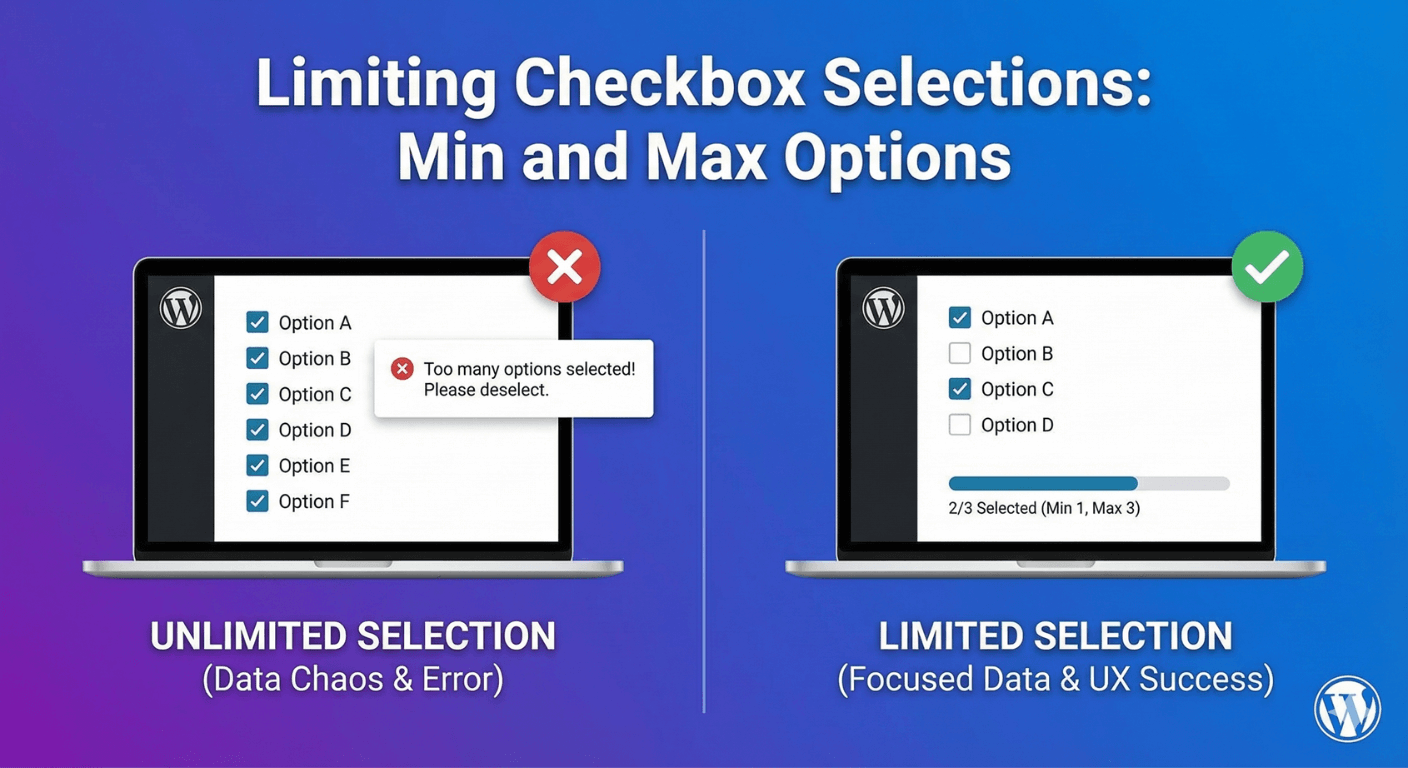
Limiting Checkbox Selections: Min and Max Options
A checkbox group usually lets people tick as many options as they like. But sometimes you need to control that: “choose your top 3,” “select at least one,” “pick no more than five.” Without limits, people might select everything or nothing, which isn’t the answer you asked for. Auto Form Builder’s Checkbox field lets you set minimum and maximum selection limits, so choices stay exactly in the range you need. Here’s how.
Why limit selections
Selection limits turn an open “tick what you like” into a precise question. A “choose your top 3 priorities” question only works if people actually pick three — pick all eight and the answer is meaningless. A “select at least one interest” needs a floor so nobody submits with nothing chosen. Limits enforce the intent of your question, so the data you get back genuinely reflects what you asked. They also gently guide people toward a considered choice rather than a lazy “select all.”
Set a minimum
On a multiple-checkbox field, the Minimum Selections Required setting defines the fewest options someone must tick. Set it to 1 to require at least one choice; set it to 3 to require at least three. If someone tries to submit with fewer, they’re prompted to select more before the form goes through. Leave it empty for no minimum. Use a minimum whenever an answer is mandatory and “none” isn’t acceptable.
Set a maximum
The Maximum Selections Allowed setting caps how many options someone can pick. Set it to 3 for a “choose up to three” question, and people simply can’t select a fourth. This is perfect for prioritization questions — “pick your top priorities” — where selecting everything would defeat the purpose. Leave it empty for no limit. A maximum forces people to make real choices rather than ticking everything.
Create a “pick exactly N” question
Combine the two and you can require an exact number. Set both the minimum and maximum to the same value — say, both to 3 — and people must choose exactly three options: no fewer, no more. This is ideal for questions like “select your three favorite features” or “choose exactly two dates that work,” where you need a specific count for the answer to be useful.
Common uses for selection limits
- Top-N questions — “choose your top 3 priorities” with a max (and often a matching min) of 3.
- At-least-one questions — a minimum of 1 so people can’t skip a required multi-select.
- Bounded choices — “select up to 5 interests” with a maximum of 5.
- Exact-count questions — min and max set equal for “pick exactly N.”
Each keeps the answer within the range your question actually needs.
Combine with the rest of your form
Selection limits work alongside the checkbox group’s other options — like arranging the boxes stacked or in columns, and setting the field required. And because it’s a normal field, the selections can drive conditional logic, so what people choose (within your limits) can shape the rest of the form. For the basics of multi-option checkboxes, see our guides to adding checkboxes and multi-select checkbox lists.
Limit selections when you need to
- Set a minimum to require at least a certain number of choices.
- Set a maximum to cap how many can be selected.
- Set both equal for a “pick exactly N” question.
- Leave either empty for no limit on that end.
Selection limits are a small setting that makes checkbox questions precise — ensuring people answer the way your question intends, whether that’s “at least one,” “up to five,” or “exactly three.” It’s built into the free Checkbox field, no code required.
Ready to build precise checkbox questions? Install Auto Form Builder free from WordPress.org.
FAQ
Can I limit how many checkboxes someone can select?
Yes. On a multiple-checkbox field you can set a Minimum Selections Required and a Maximum Selections Allowed, so people must pick within that range.
How do I make people pick exactly a certain number?
Set the minimum and maximum to the same number — for example, both set to 3 means people must choose exactly three options.