
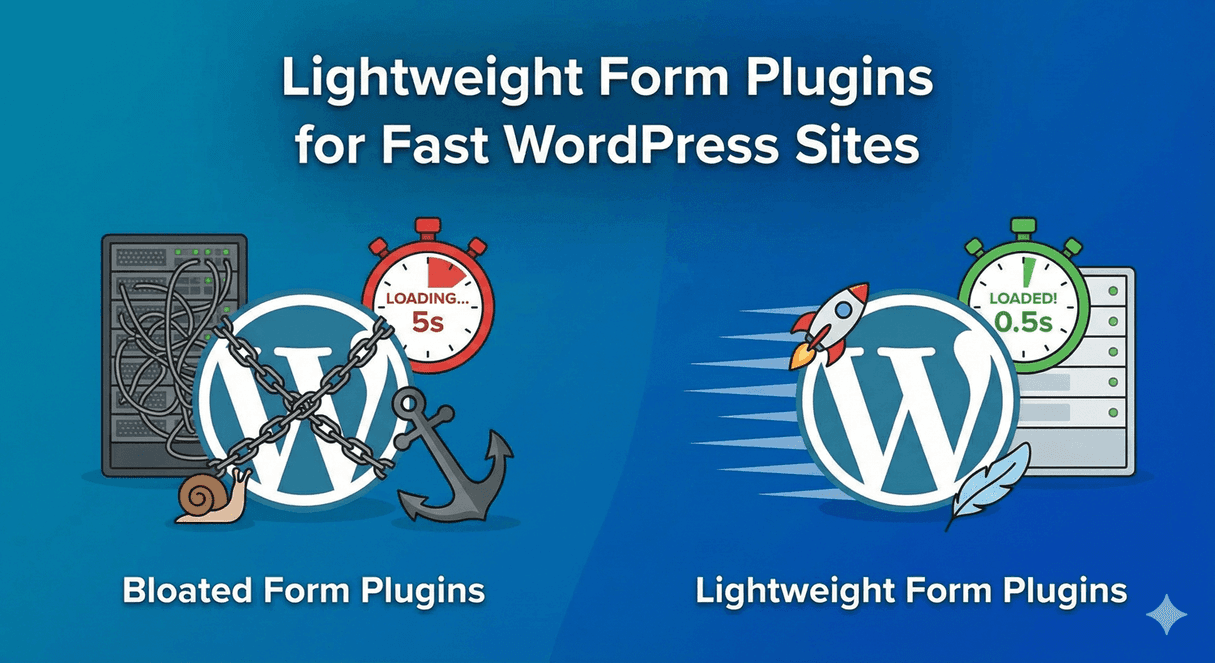
Lightweight Form Plugins for Fast WordPress Sites
Forms are essential, but the plugin behind them shouldn’t cost you speed. Too many form plugins load scripts and styles across your entire site — even on pages with no form — quietly dragging down load times. And on the modern web, slow pages hurt twice: they frustrate visitors and they hurt your search rankings. Here’s what makes a form plugin lightweight, why it matters, and how to keep your forms fast.
Why form plugin weight matters
Every script and stylesheet a plugin loads adds to your page weight, and page weight adds to load time. The problem is worse when a plugin loads its assets everywhere by default, so even a blog post with no form pays the performance tax. Multiply that across a busy site and it adds up to slower pages, lower Core Web Vitals scores, and visitors who leave before they convert. Because Google factors page speed into rankings, a heavy form plugin can hold back your SEO across the whole site — not just the pages with forms.
What “lightweight” actually means
A genuinely lightweight form plugin does a few things well:
- It loads its assets only where they’re needed, not on every page.
- It keeps its scripts lean rather than bundling in heavy libraries.
- It renders forms cleanly without fighting your theme or piling on styles.
- It doesn’t make extra external requests unless you’ve asked it to.
The goal isn’t fewer features — it’s not paying for those features on pages that don’t use them.
Speed and features don’t have to be a trade-off
There’s a common assumption that a full-featured form builder must be heavy and a fast one must be basic. It doesn’t have to be that way. Auto Form Builder is built to be capable and considerate of performance: its drag-and-drop builder, conditional logic, multi-step forms, and surveys are all there when you need them, while the plugin aims to keep what it loads focused. And by default it’s privacy-first, making no external calls unless you enable a feature that needs one — which also means fewer third-party requests slowing a page down.
Keep your forms fast: practical tips
Whatever plugin you use, a few habits keep form pages quick:
- Put forms on the pages that need them rather than site-wide where you can avoid it.
- Keep forms focused — fewer fields means less to render and a better completion rate too.
- Optimize any images you add to a form, like header images.
- Use a caching and optimization setup for your site, and confirm your forms still submit correctly with it enabled.
Speed is a feature
A fast form isn’t just nicer to use — it protects your rankings, your Core Web Vitals, and your conversion rate all at once. When you choose a form plugin, weigh performance alongside features, and lean toward one that keeps pages light while still doing everything you need. You can have both.
Related reading: Why WordPress forms need to be mobile responsive and the best free form builder plugins for WordPress.
Ready for forms that don’t slow you down? Install Auto Form Builder free from WordPress.org.
FAQ
Do form plugins slow down WordPress?
They can. Heavy plugins load extra scripts and styles on every page. The key is choosing one that only loads what a page actually needs.
Does form plugin speed affect SEO?
Yes. Page speed and Core Web Vitals are ranking and conversion factors, so a form plugin that keeps pages fast helps both.