
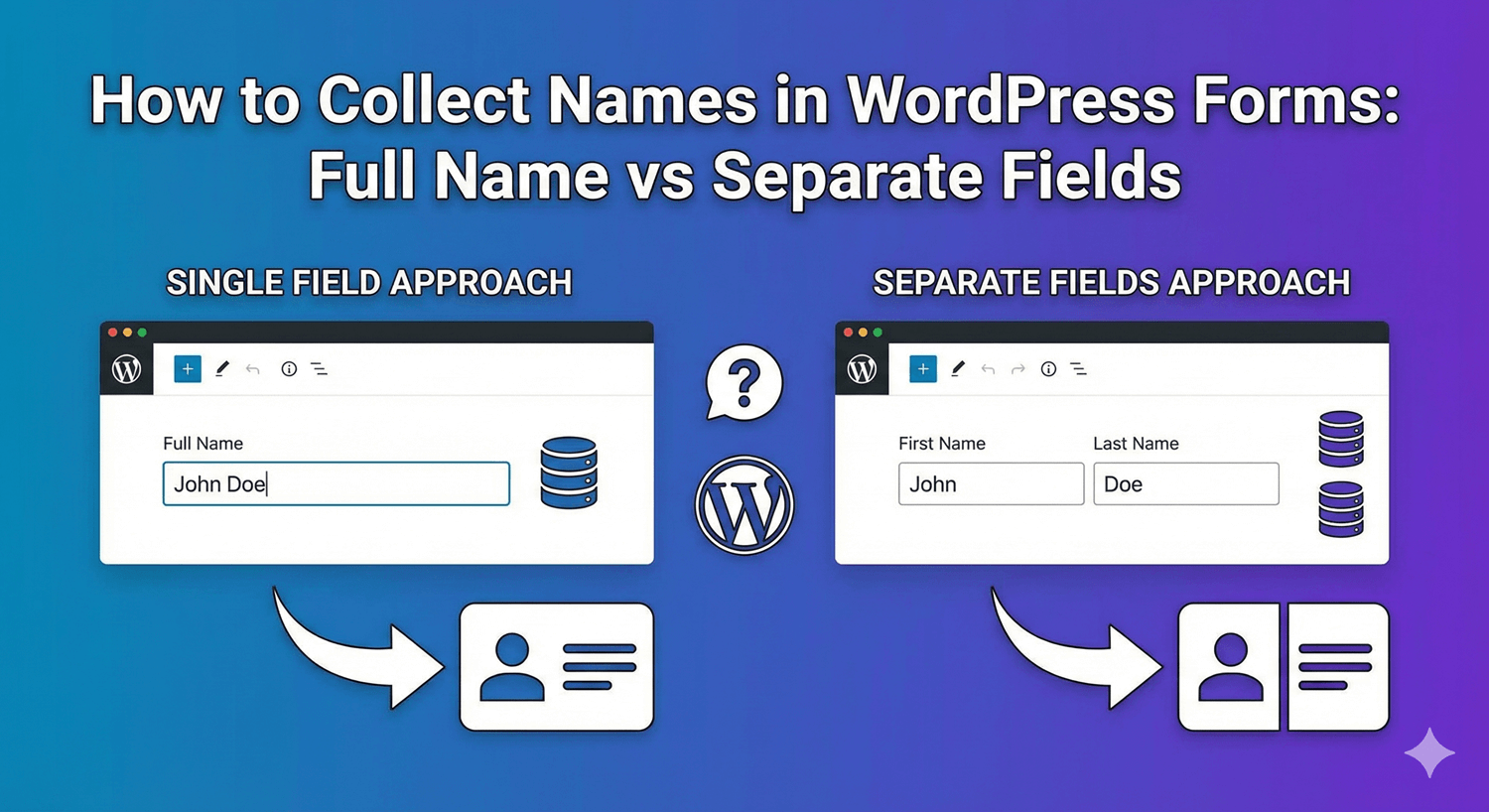
How to Collect Names in WordPress Forms: Full Name vs Separate Fields
“Name” seems like the simplest field on any form — until you try to use the data. Do you store it as one string, or as separate first and last names? The answer shapes how well you can personalize emails, sort your contacts, and sync with other tools. Auto Form Builder’s Name field does both, so the real question is which fits your form. Here’s how to decide and set it up.
The case for a single full-name field
A single field — just “Name” — is the fastest thing for a visitor to complete. There’s one box, no thinking, no tabbing between fields. For quick, low-stakes forms where you just need to know who wrote in — a simple contact form, a basic enquiry — a single full-name field keeps friction to a minimum and gets the job done.
The trade-off comes later: a combined name is harder to use. You can’t easily greet someone by first name only, and sorting or matching by last name gets messy.
The case for separate first and last name fields
Splitting the name into parts costs the visitor almost nothing and gives you a lot. With separate fields you can personalize properly — “Hi Sarah,” not “Hi Sarah Mitchell,” — sort and search by last name, and map cleanly into a CRM or email tool that expects first and last name separately. For anything where you’ll follow up, market, or organize contacts, separate fields are the better long-term choice.
Setting up the Name field
The Name field handles either approach. Choose a single field, or enable separate parts — First, Middle, Last, and an optional Suffix. When you use separate parts, you can lay them out stacked or side by side to suit your form’s design. Each part is labeled correctly, so your stored entries and email notifications show “First Name” and “Last Name” properly rather than a generic “Name” twice.
Require only the parts you need
Not every part of a name matters. With separate parts enabled, you can set required rules on just the parts you actually need — typically first and last name — while leaving Middle Name or Suffix optional. That keeps the form quick while still guaranteeing you get the essentials. Required indicators appear next to the specific parts, so it’s clear to the visitor what’s needed.
Pre-fill names from a link
If you send people to a form from a personalized link or a campaign, the individual name components can each read their own URL parameter, so you can pre-populate first or last name from the link. For known or returning visitors, that’s one less thing to type.
A quick way to choose
- Pick a single field for fast, low-stakes forms where you just need a name.
- Pick separate fields whenever you’ll personalize, sort, or sync the data — which is most of the time.
- Require first and last; leave middle name and suffix optional.
- Match the layout (stacked or side by side) to your form’s design.
Names are small, but how you collect them ripples through everything you do afterward. Choose the structure that fits how you’ll use the data, and set it up once — cleanly, and for free.
Related reading: Building professional forms with full name components.
Ready to collect names the right way? Install Auto Form Builder free from WordPress.org.
FAQ
Should I use one name field or separate first and last name fields?
Use separate fields when you'll personalize messages or sort by last name; a single field is fine for quick, low-stakes forms. The Name field supports both.
Can I require only part of the name?
Yes. With separate parts enabled, you can set required rules on the parts you need, like first and last name, and leave middle name or suffix optional.