
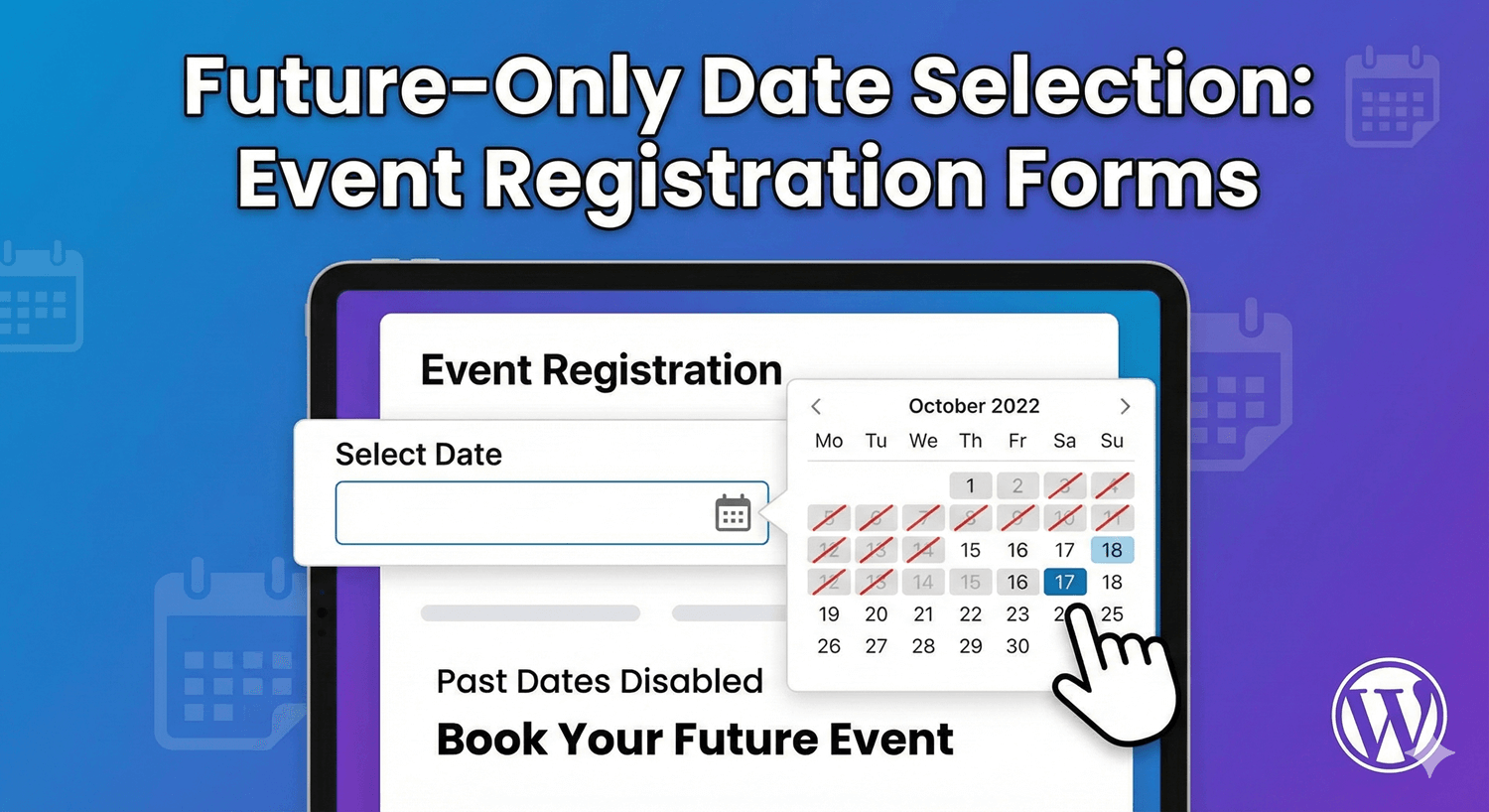
Future-Only Date Selection: Event Registration Forms
For anything time-based — a booking, an appointment, an event registration — a date in the past is meaningless. Yet a plain date field happily lets someone pick last month, and you end up with entries you have to chase or discard. The fix is to restrict the field so only sensible future dates can be chosen. Auto Form Builder’s Date field makes this straightforward. Here’s how.
Why future-only dates matter
When you’re collecting a date for something that will happen, letting people pick a past date creates real friction: mistaken entries, confused bookings, and manual cleanup. Restricting the field to the future removes the whole problem at the source — people can only choose a date that actually makes sense for what you’re organizing.
Restrict to future dates
The Date field lets you set a first allowed date, so anything earlier simply can’t be selected. Setting that to today (or the appropriate start) means the calendar only offers valid, upcoming dates. For an event registration or booking form, this is exactly what you want: no past dates, no invalid entries.
Require a minimum lead time
Often “future” isn’t enough — you need a little notice. If you cater events, ship products, or schedule appointments, you probably can’t accept a booking for tomorrow morning. The Date field’s “minimum days from today” option handles this: require the selected date to be at least a set number of days ahead (say, three), enforced both in the browser and on the server. People can only pick dates that give you enough lead time, which protects you from impossible last-minute requests.
Pair the date with a time
Many bookings need a time as well as a date. Add a Time field alongside, where you can set intervals (like 15- or 30-minute slots) and an earliest and latest time. Together, a future-restricted date and a bounded time field let people request a genuinely valid slot — nothing in the past, nothing outside your hours.
Combine with conditional logic
You can make the form smarter still with conditional logic — for example, showing different options depending on the date chosen, or revealing a follow-up field only when someone selects a particular range. The date restriction keeps entries valid; conditional logic makes the form respond to them.
Keep every booking organized
Every registration or booking is stored in your submissions dashboard, where you can search, filter by date, and export the list. Combined with future-only date rules, that means the requests you collect are both valid and easy to manage.
Valid dates, less cleanup
Restricting a date field to the future — and requiring a sensible lead time — is a small setup that prevents a whole category of bad entries. For bookings, appointments, and event registrations, it’s the difference between a form you trust and one you constantly have to correct. And it’s free, no code required.
Related reading: How to create an event registration form in WordPress.
Ready to build a booking form that only accepts valid dates? Install Auto Form Builder free from WordPress.org.
FAQ
Can I stop people picking past dates?
Yes. Set a first allowed date on the Date field so earlier dates can't be selected — ideal for bookings and event registration.
Can I require a minimum lead time before the chosen date?
Yes. The Date field's 'minimum days from today' option requires the selected date to be at least a set number of days ahead.