
How to Add Title Prefixes (Mr/Mrs/Dr) to Name Fields
A title — Mr, Mrs, Ms, Dr — is a small detail that makes correspondence feel personal and professional. “Dear Dr. Patel” lands better than “Dear Patel,” and for formal contexts like healthcare, legal, or membership forms, a title is often expected. The trick is collecting it in a way that stays consistent. Here’s how to add a title prefix to your forms with Auto Form Builder.
Use a dropdown for the title
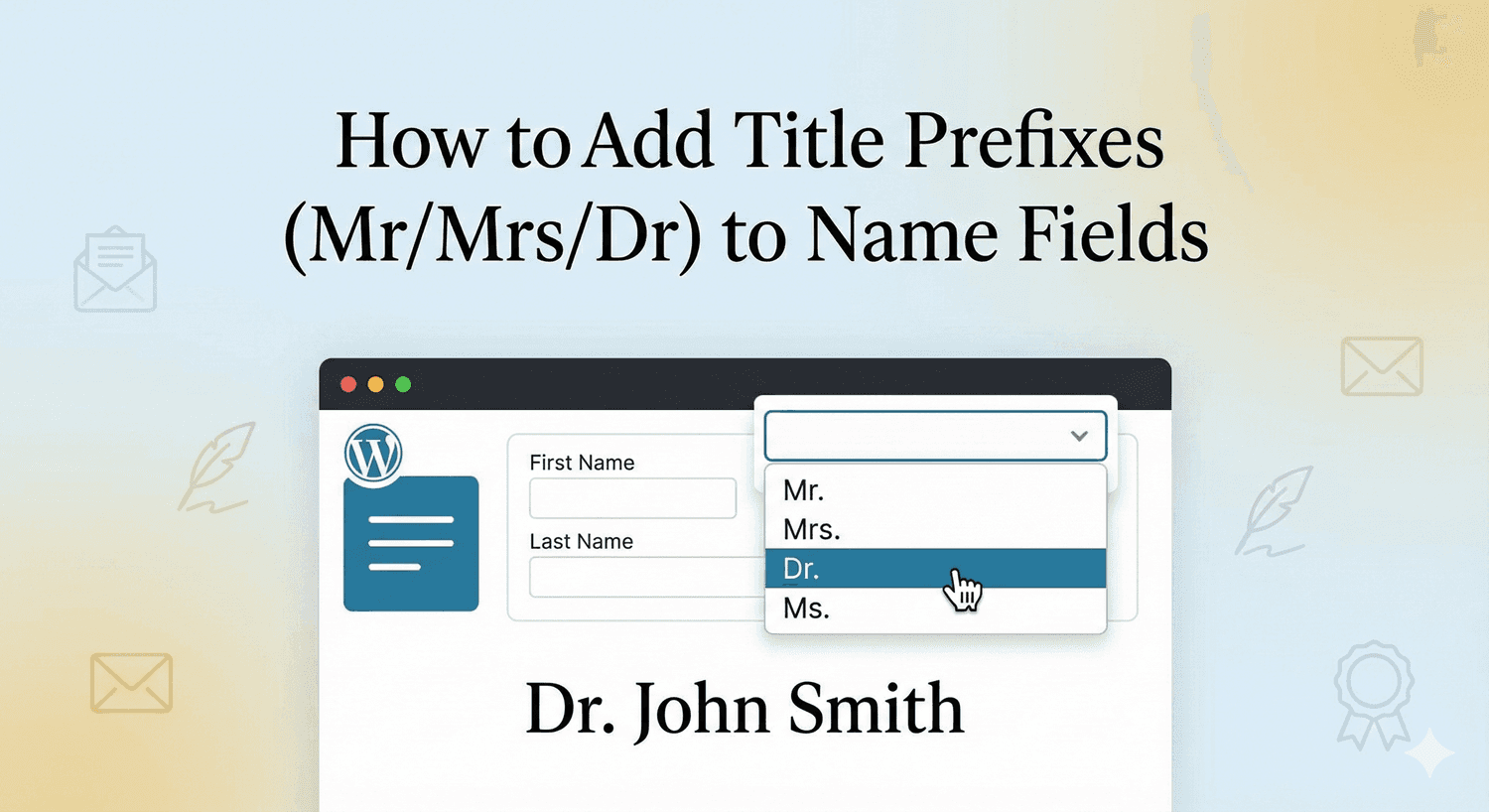
The cleanest way to collect a title is with a Dropdown field placed before the name. List your title options — Mr, Mrs, Ms, Miss, Dr, Prof, and any others you need — and people simply pick one. A dropdown is the right choice here because it keeps titles perfectly consistent: everyone selects from the same list, so you never end up with a mix of “Dr”, “Dr.”, “doctor”, and “DR” in your data. Consistent titles are far easier to use in personalized emails and exports.
Place it before the name field
Position matters. Put the title dropdown immediately before your Name field so the form reads naturally — title, then name — just as you’d write it. This small ordering choice makes the form feel considered and keeps the related fields grouped together visually.
Choosing your title options
Keep the list appropriate to your audience:
- For general use, Mr, Mrs, Ms, and Dr cover most people.
- Add Miss, Prof, or Mx depending on your audience and context.
- Consider making the title optional, since not everyone wants to specify one — a required title can feel forced on a casual form.
Match the list to the formality of your form: a medical or professional form warrants a fuller set; a simple newsletter signup probably doesn’t need a title at all.
Use the name field’s own parts too
If you also want to capture middle names or suffixes, the Name field itself supports separate parts — First, Middle, Last, and Suffix — which you can enable and lay out to suit your form. Combined with a title dropdown in front, you can collect a complete, formal name: title, first, middle, last, and suffix, each cleanly separated and ready to use.
Personalize with what you collect
Once you’re capturing a title, put it to work. Using the title and name in your confirmation emails and follow-ups makes them feel personal and polished. And because the title comes from a dropdown, you can even use conditional logic based on the selection if a particular title should change what the form shows next.
A small touch that reads as professional
Adding a title prefix is a minor addition with a real effect on tone. A dropdown keeps your titles consistent, placing it before the name reads naturally, and the result is correspondence that feels personal and professional. It takes a minute to set up, and it’s free.
Related reading: Building professional forms with full name components.
Ready to add a personal touch to your forms? Install Auto Form Builder free from WordPress.org.
FAQ
How do I add a Mr/Mrs/Dr title to a form?
Add a Dropdown field with your title options (Mr, Mrs, Ms, Dr, and so on) placed before the Name field, so people select a consistent title from a list.
Why use a dropdown instead of a text field for the title?
A dropdown keeps titles consistent — everyone picks from the same list, so you avoid variations like 'Dr', 'Dr.', and 'doctor' in your data.