
US Phone Number Format: Setting Up (123) 456-7890 in Forms
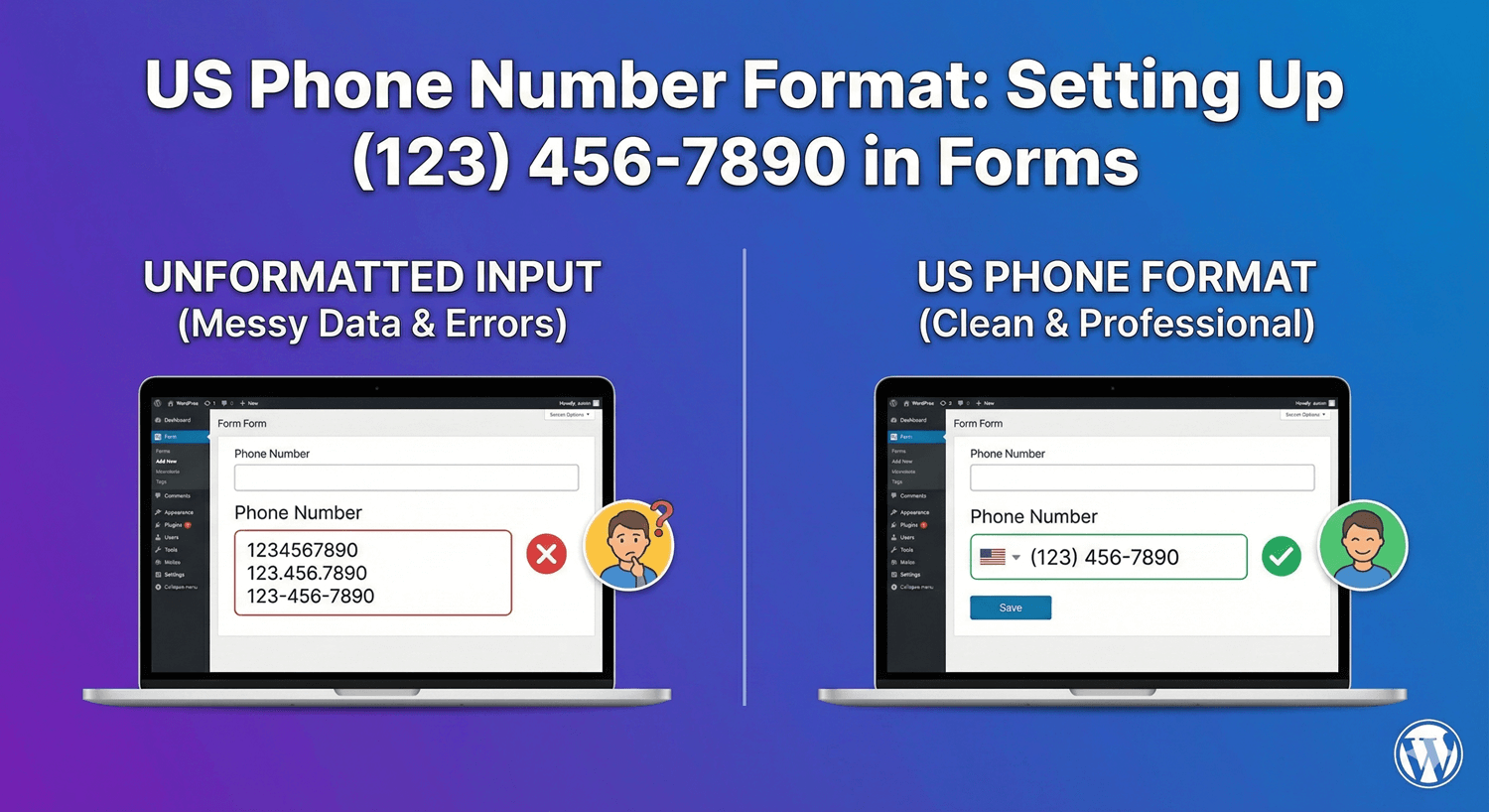
The US phone number format — (123) 456-7890 — is so familiar that anything else looks wrong. Yet an unformatted phone field collects numbers in every shape: with dashes, without, with spaces, with or without the country code. That inconsistency makes numbers harder to dial, harder to store, and harder to use in any tool that expects a standard format. Here’s how to collect clean, consistent US phone numbers with Auto Form Builder’s Phone field.
Why a consistent format matters
A phone number you can’t reliably dial or sync is a problem waiting to happen — a missed callback, a broken CRM import, a failed text message. Collecting US numbers in one consistent format, ideally the recognizable (123) 456-7890 style, means every number arrives ready to use. It also reassures the person filling in the form: a field that formats their number the familiar way feels trustworthy and well-built.
Choose a US phone format
The Phone field supports multiple formats, so the first step is selecting the one that matches a US audience. Choosing a US format means the field expects and validates the standard ten-digit structure, rejecting entries that clearly don’t fit. That alone filters out a lot of malformed input compared to a plain text box.
Turn on format-as-you-type
The setting that really makes US numbers clean is format-as-you-type. With it enabled, the field structures the number as the person types — adding the parentheses, space, and dash so it takes the (123) 456-7890 shape on screen. People don’t have to think about formatting; it happens for them, and the number lands in a consistent style every time. It’s the single best thing you can do for US phone data quality.
Let validation catch mistakes
Built-in validation checks that what someone enters fits the expected format. If a number is incomplete or malformed, the field flags it with an inline error and blocks submission until it’s corrected. That means you don’t discover a broken number later when you try to call it — the mistake is caught at the point of entry, while the person is right there to fix it.
Add an icon and only ask when needed
You can place an icon inside the Phone field to make its purpose obvious at a glance. And if a phone number is only relevant in some cases — a callback request, say — use conditional logic to show the field only when someone chooses the option that needs it, keeping the form shorter for everyone else. For handling non-US numbers, our guide to international phone numbers covers the broader picture.
Set up US phone collection
- Choose a US phone format on the Phone field.
- Enable format-as-you-type for the (123) 456-7890 style.
- Rely on validation to catch malformed numbers.
- Add an icon, and only require the field when you need it.
Collecting US phone numbers in a clean, consistent format is a small setup with a real payoff: every number is dialable, tidy, and ready to sync. It’s built into the free Phone field, no code required.
Ready to collect clean US phone numbers? Install Auto Form Builder free from WordPress.org.
FAQ
Can I format US phone numbers as (123) 456-7890?
Yes. Choose a US phone format on the Phone field, and enable format-as-you-type so numbers are structured into the familiar (123) 456-7890 style as people enter them.
Does it validate the number?
Yes. Built-in validation flags entries that don't fit the expected format, so malformed numbers are caught before the form submits.