
GDPR-Friendly Form Plugins: Keep Data on Your Server
If your forms collect personal data — and almost all do — where that data ends up matters. Under GDPR and similar privacy laws, every third-party service your form data passes through is another processor you have to account for. That’s why the plugin you choose makes a real difference: a self-hosted, privacy-first form plugin keeps your data on your own server and out of unnecessary hands. Here’s how that works and why it makes compliance simpler.
Where your form data lives is the key question
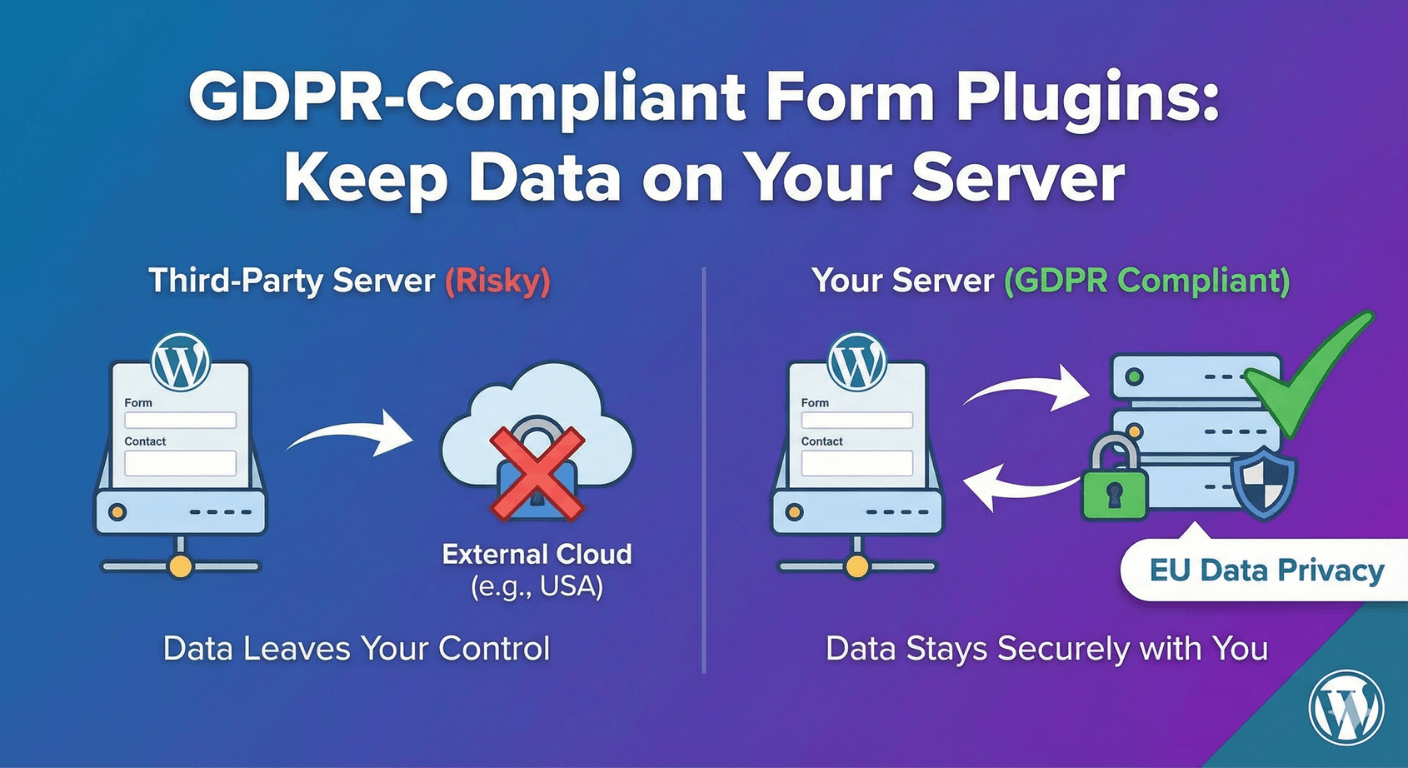
Many form tools, especially SaaS ones, send submissions to their own servers to store and process. That can be convenient, but it means personal data your visitors give you is being handled by a third party — something you have to disclose, justify, and manage under GDPR. A self-hosted plugin flips this: the data stays in your own WordPress database, on infrastructure you control. Fewer parties touching the data means a smaller compliance surface to manage.
Privacy-first by default
Auto Form Builder is built privacy-first: by default, the plugin makes no external calls at all. Submissions are stored on your own site in the submissions dashboard, and nothing is sent anywhere unless you actively enable a feature that requires it. That “off by default” posture matters — it means the baseline behavior is to keep everything local, and any external processing is a deliberate choice you make and can disclose, not something happening silently in the background.
Collect consent properly
Compliance isn’t only about storage — it’s also about consent. A clear consent checkbox is a practical part of a privacy-respecting form. Using a Checkbox field with a link to your privacy policy right inside the label gives people a clear, recorded point of agreement before they submit. It’s the same approach covered in our guide to terms and conditions checkboxes, and it’s good practice on any form collecting personal data.
Data minimization is built into good forms
A quiet GDPR principle is to collect only what you need. Well-built forms already lean this way: keep fields to the essentials, and use conditional logic so you only ask for extra details when they’re genuinely relevant. Asking for less personal data isn’t just better for completion rates — it’s less data to protect, store, and account for.
Your control, your responsibility
Here’s the honest framing: a self-hosted, privacy-first plugin gives you the right foundation — data on your server, minimal external processing, tools for consent and minimization. But it doesn’t make you compliant on its own. Compliance also depends on your privacy policy, how you handle access and deletion requests, and your overall practices. The plugin supports your compliance; it doesn’t replace the work of it. Because submissions live in your dashboard, you can find, export, and delete an individual’s data when someone exercises their rights — but acting on those requests is still down to you.
Why self-hosted helps
- Submissions stay in your own database, not a third party’s.
- No external calls by default — external processing is opt-in.
- Built-in tools for consent and data minimization.
- You can access, export, and delete data to fulfill data-subject requests.
For anyone who takes privacy seriously, keeping form data on your own server is the sensible default — it simplifies your obligations and keeps your visitors’ data in your hands. Just remember it’s a strong foundation, not a substitute for your own compliance work.
Ready for privacy-first forms? Install Auto Form Builder free from WordPress.org.
FAQ
Does Auto Form Builder store data on my own server?
Yes. Form submissions are stored in your own WordPress database, and by default the plugin makes no external calls — a privacy-first approach.
Does using it make my site GDPR-compliant?
It helps by keeping data on your server and minimizing external processing, but compliance also depends on your own policies, consent, and practices. It's a tool that supports compliance, not a guarantee of it.